A website safety flag is a formal warning issued by a browser or security system indicating that a site has been detected displaying harmful content, deceptive behavior, or security vulnerabilities that could compromise your data or device. Understanding why websites get flagged unsafe is not just useful for site owners. It is critical knowledge for anyone who shops, banks, or communicates online. Systems like Google Safe Browsing and Microsoft Defender SmartScreen scan billions of URLs continuously, and their warnings are your first line of defense against phishing, malware, and stolen credentials.
Why websites get flagged unsafe: the core reasons
Websites earn unsafe flags by triggering specific criteria that automated security systems use to identify threats. Major browsers in 2026 evaluate URL reputation, malicious scripts and forms, file behavior, TLS security, and user feedback before issuing a warning. That combination of signals means a site does not have to be obviously criminal to get blocked. It just has to fail enough checks.
The most common reasons websites trigger safety alerts fall into these categories:
-
Malware infections. Attackers exploit outdated plugins, weak admin passwords, or insecure hosting to inject malicious code. Once that code runs in a visitor’s browser, the site qualifies for a flag.
-
Phishing pages. These pages impersonate banks, retailers, or government agencies to steal login credentials or payment details. Google Safe Browsing identifies them by analyzing form behavior and domain patterns.
-
Hacked or injected content. Compromised sites often carry hidden spam links, cloaked redirect pages, or invisible iframes that serve malware to visitors without the owner’s knowledge.
-
Deceptive software downloads. Sites that push unwanted programs disguised as legitimate downloads violate browser safety policies and get flagged quickly.
-
Unsafe third-party scripts. Embedded widgets, tracking codes, or ads loaded from blacklisted domains can trigger flags even when the host site’s own files are clean.
Pro Tip: If you run a website, audit every third-party script you load, including analytics tools, chat widgets, and ad networks. One compromised external resource can flag your entire domain.
The technical root causes are well documented. Broken access control, SQL injection, and outdated software are the leading vulnerabilities exploited by attackers to compromise sites. Broken access control ranks as the number one vulnerability by frequency in penetration tests. That means most flagged sites were not built badly on purpose. They were simply not maintained.

How do automated systems detect unsafe websites?
Browser security systems use a layered detection process that combines automated scanning with user-submitted reports. Here is how the process works in practice:
-
URL reputation check. Google Safe Browsing and Microsoft Defender SmartScreen maintain databases of known malicious URLs. When you visit a site, your browser checks the URL against that database before loading the page.
-
Dynamic page behavior analysis. Automated crawlers visit pages and analyze JavaScript execution, redirect chains, and form behavior. A page that silently redirects you to a different domain or runs obfuscated scripts raises an immediate red flag.
-
File and download scanning. If a site serves executable files or compressed archives, security systems analyze those files for known malware signatures and suspicious behavior patterns.
-
TLS and certificate checks. Sites without valid SSL certificates or with misconfigured HTTPS connections score lower on trust signals, which contributes to flagging decisions.
-
User reports. Both Google and Microsoft accept direct reports from users who encounter suspicious sites. A surge in user reports can accelerate a manual review and speed up a flag.
The distinction between automated flags and manual human reviews matters. Automated flags happen within hours of a threat being detected. Manual reviews, which Google’s Safe Browsing team conducts for disputed cases, can take days. That gap is why browser warnings are designed as a caution step, not a permanent verdict. A site can be cleaned, reviewed, and reinstated.
Are flagged sites always run by bad actors?
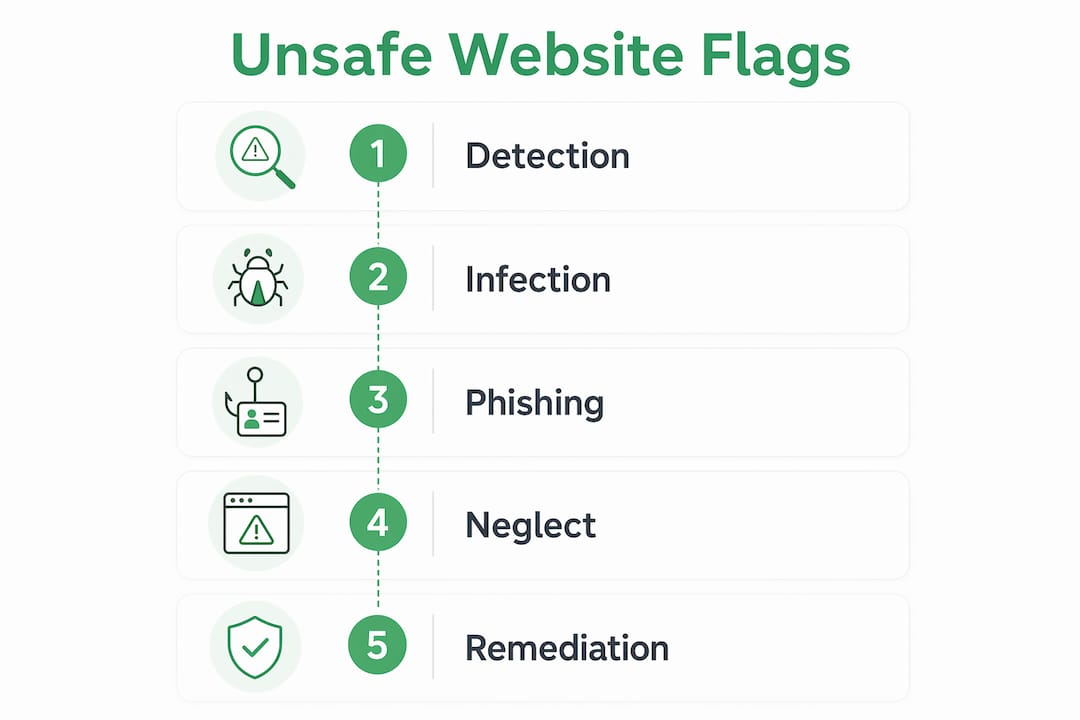
The short answer is no. Most website owners are surprised to learn that blacklisting usually results from neglect rather than active malicious behavior. A site owner who has not updated their WordPress plugins in six months, uses a weak admin password, or relies on a shared hosting environment with poor security controls is a prime target for automated attacks.
Common non-malicious causes of unsafe flags include:
-
Outdated content management systems. WordPress, Joomla, and Drupal sites running old versions are frequently compromised through known exploits.
-
Inherited third-party risks. A site can inherit an unsafe status from a third-party ad network or analytics provider that gets blacklisted after the site owner integrated it.
-
Reinfection through backdoors. Hackers leave backdoors in compromised sites that allow them to reinfect the site even after malware is removed. Without a full file-integrity audit, the flag returns.
-
Shared hosting contamination. On shared servers, a compromised neighboring site can sometimes affect your domain’s reputation through shared IP addresses.
Pro Tip: After removing malware, do not just delete the infected files. Review every admin account on your site and rotate all credentials. Backdoors are almost always paired with a rogue admin account.
Security issues often go undetected until traffic drops, users complain, or the hosting provider suspends the account. Unknown admin users, unexplained server load, and sudden redirects are warning signs that appear before a browser flag does. Catching them early prevents the flag entirely.
How can you identify a trustworthy website?
Knowing what to look for beyond a browser warning separates cautious users from vulnerable ones. The signals that actually indicate trustworthiness in 2026 are more nuanced than a simple lock icon.
| Signal | Trustworthy Site | Suspicious Site |
|---|---|---|
| SSL certificate | Present, matches domain exactly | Missing, expired, or mismatched domain |
| Domain name | Matches the brand clearly | Uses slight misspellings or extra words |
| Contact information | Real address, phone, and support email | Generic form only, no verifiable details |
| Pressure tactics | None; lets you browse freely | Countdown timers, urgent pop-ups, forced sign-ups |
| Content quality | Consistent, professional, no grammar errors | Thin, copied, or machine-translated text |
| Privacy policy | Detailed, specific to the site | Generic template or completely absent |
SSL certificates and the lock icon no longer guarantee safety. Phishing sites routinely obtain valid SSL certificates because the certificate only confirms an encrypted connection, not the legitimacy of the site owner. The more reliable indicators are domain consistency, realistic information requests, and the absence of pressure tactics.
When you encounter a flagged site, avoid entering any personal or payment information. Check the URL carefully for character substitutions like “rn” replacing “m” or a zero replacing the letter “O.” Use a service like Verified to run an independent trust score check before proceeding. Verified analyzes over 200 security and reputation signals and returns a score from 0 to 100, giving you a clear verdict in seconds. You can also browse recently reviewed sites to see how similar domains have scored.
What can website owners do to prevent unsafe flags?
Prevention is faster and cheaper than remediation. The steps below address the most common website security concerns that lead to flags:
-
Update everything on a fixed schedule. CMS platforms, plugins, themes, and server software should be updated within 48 hours of a security patch release. Common vulnerabilities like weak SSL configurations, missing security headers, outdated software, and insecure cookies account for the majority of successful attacks.
-
Use strong, unique credentials. Admin passwords should be at least 16 characters and stored in a password manager. Enable two-factor authentication on every admin account.
-
Audit third-party scripts quarterly. Remove any script you no longer actively use. For scripts you keep, verify the source domain has not been flagged or sold to a new owner.
-
Run regular malware scans. Tools like Sucuri SiteCheck and Wordfence scan WordPress sites for known malware signatures and flag suspicious file changes.
-
Set up file integrity monitoring. Services that alert you when core files change give you early warning before a browser flag appears.
-
Submit for review after remediation. Once you have cleaned a flagged site, submit it through Google Search Console’s Security Issues report. Google typically reviews and removes the flag within 72 hours if the site is clean.
Remediation also has direct consequences for search rankings. Google demotes flagged sites in search results, which means traffic drops compound the reputational damage. Fixing the underlying issue and clearing the flag restores both user trust and organic visibility.
Key takeaways
Websites get flagged unsafe when automated systems detect malware, phishing content, deceptive scripts, or security neglect that puts visitors at risk.
| Point | Details |
|---|---|
| Automated detection is layered | Google Safe Browsing checks URL reputation, page behavior, and file downloads before issuing a flag. |
| Neglect causes most flags | Outdated plugins, weak passwords, and unreviewed third-party scripts are the leading causes of unsafe flags. |
| SSL alone is not enough | A lock icon confirms encryption, not legitimacy; check domain consistency and site behavior too. |
| Backdoors enable reinfection | Full malware removal requires eliminating backdoors and auditing all admin accounts, not just deleting infected files. |
| Flags are reversible | Browser warnings are a caution step; a clean site can be reviewed and reinstated, typically within 72 hours. |
The part most people get wrong about safety flags
I have spent years watching users treat browser warnings as binary: either the site is fine or it is criminal. That framing misses the most important nuance. The majority of flagged sites are run by people who had no idea their site was compromised. A small business owner running a five-year-old WordPress install, a nonprofit that has not touched its site in two years, a freelancer whose hosting account shares a server with a hundred other sites. These are not bad actors. They are distracted people who did not prioritize security maintenance.
What I find more concerning is the opposite error: users who dismiss warnings because the site “looks professional.” Phishing operations in 2026 are polished. They use real SSL certificates, copy legitimate brand assets, and register domains that differ from the real thing by a single character. The lock icon gives false confidence to exactly the people who need to be most careful.
My honest advice is to treat every unfamiliar site with the same skepticism you would apply to a stranger asking for your credit card number. Use a tool like Verified to check the trust score before you enter any personal information. If a site you own gets flagged, do not panic. Audit your files, rotate your credentials, remove every third-party script you cannot verify, and submit for review. The flag is not a death sentence. Ignoring it is.
— Nick
Check any website’s safety score in seconds
Understanding why sites get flagged is only half the equation. The other half is having a fast, reliable way to check any site before you engage with it.
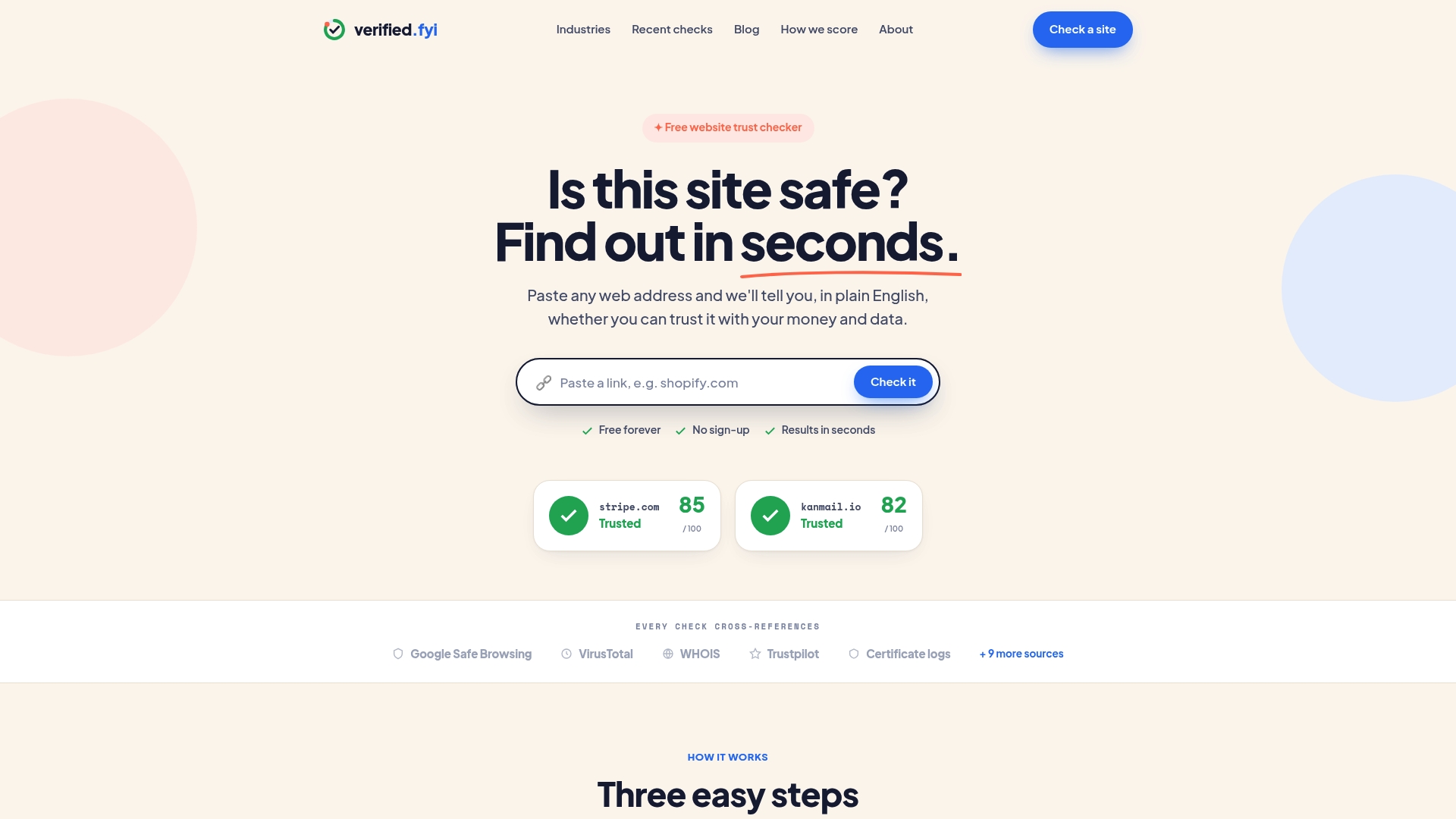
Verified analyzes over 200 security and reputation signals for any URL you submit, returning a trust score from 0 to 100 in seconds. The scoring methodology weighs factors like domain age, SSL configuration, blacklist status, content behavior, and user reports. You can read exactly how the scoring works to understand what goes into each verdict. Whether you are checking an unfamiliar online store, a site a friend sent you, or a domain that triggered a browser warning, run a free safety check on Verified before you click through. It takes less time than reading a single warning message.