TL;DR:
- AI scams now use more convincing messages, videos, and calls to trick people into sharing personal data or money.
- The best defense is verifying sender information through independent channels and avoiding reaction to urgent or suspicious requests.
Spotting an AI scam means identifying deceptive messages, videos, calls, or websites generated by artificial intelligence to steal your money or personal information. These attacks are not new in their goals, but AI has made them far more convincing and harder to catch. Even Gmail's AI defenses, which block 99.9% of spam and phishing attempts, cannot catch everything. That means your own judgment is still the last line of defense. Knowing how to spot an AI scam before you respond is the most reliable protection you have.
How to spot AI scam red flags early
AI scams are defined by one consistent pattern: they exploit trust and urgency to bypass your critical thinking. The technology changes, but the psychological tactics stay the same. AI manipulates human psychology more effectively than older methods by personalizing messages and mimicking real people convincingly.

Visual red flags in deepfakes
Deepfake videos are one of the most alarming tools scammers use. Deepfake videos show visual inconsistencies including unnatural blinking, blurry face edges, mismatched audio and lip movement, and flat or waxy skin tone. These details are easy to miss at normal playback speed. Pause the video and look closely at the edges of the face, especially around the hairline and ears.
Audio and text warning signs
Voice cloning is now a standard scammer tool. Voice cloning scams impersonate trusted contacts and press for immediate payments, often posing as a family member in distress. The voice sounds real, but the urgency is manufactured.
In text, watch for these AI scam warning signs:
- Extreme urgency: "Act within the next hour or your account will be closed."
- Fear tactics: threats of legal action, arrest, or account suspension.
- No-risk claims: "Guaranteed returns with zero risk."
- Requests for gift cards, wire transfers, or cryptocurrency.
- Messages that feel oddly generic, even when they use your name.
- Links that do not match the sender's known domain.
Pro Tip: Read suspicious messages out loud. Your eye glosses over awkward phrasing; your voice catches it.
The delayed attack tactic
One of the least obvious AI scam warning signs is the absence of red flags. Scammers use delayed attacks by sending initial emails that contain no links, no requests, and no suspicious content. They build familiarity over days or weeks before making their move. If a stranger contacts you with no clear purpose and then follows up later with a request, treat that pattern as a red flag.
Which tools and methods confirm if a message is trustworthy?
The single most reliable method for identifying AI scams is out-of-band verification. Out-of-band verification means contacting the sender through a completely separate, trusted channel rather than replying to the message itself. If your bank emails you, call the number on the back of your card, not the one in the email.
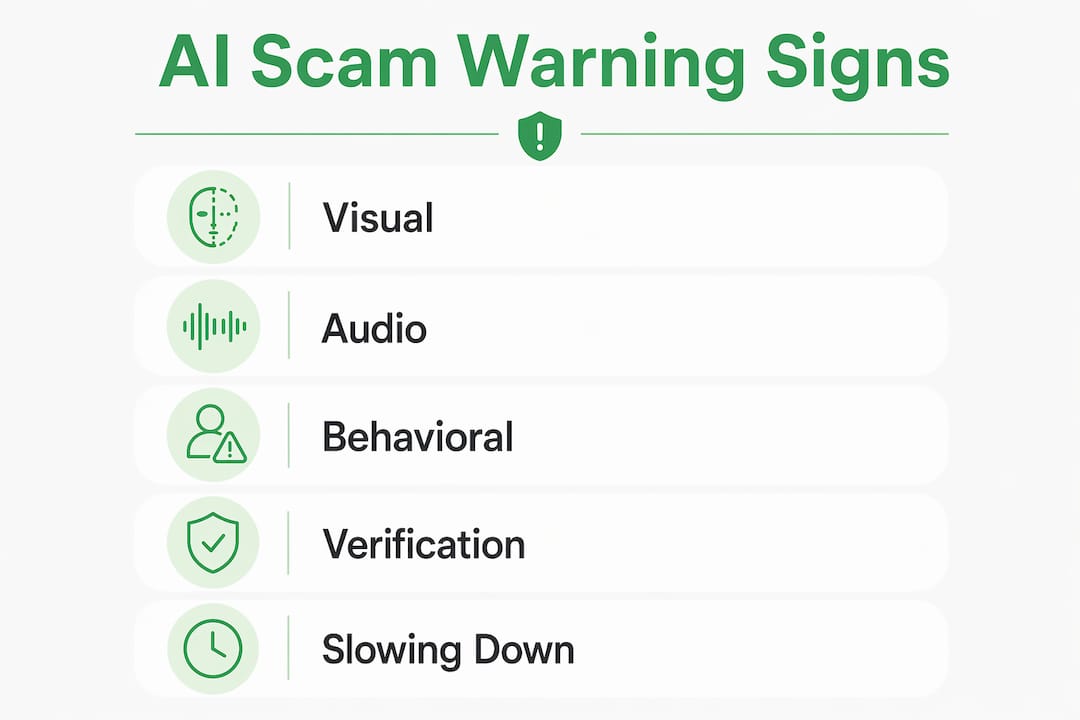
| Verification method | Best used for | Key action |
|---|---|---|
| Out-of-band contact | Emails, texts, calls | Call the person using a saved number, not one provided in the message |
| Pre-arranged safe word | Suspicious voice or video calls | Ask for the word; AI clones won't know it |
| Site trust scoring | Unfamiliar websites | Paste the URL into a verification tool before clicking any links |
| Email header inspection | Phishing emails | Check SPF, DKIM, and DMARC records to confirm sender authenticity |
| Reverse image or video search | Suspicious profile photos or videos | Upload to a search engine to check for prior use |
Pre-arranged family safe words are especially effective because AI voice clones have no access to private information shared only between people who know each other. Set one up with close family members now, before you need it.
For websites, site verification practices give you a fast, structured way to assess legitimacy before you enter any personal data. Look for HTTPS, a verifiable domain age, and clear contact information.
Pro Tip: Never use a phone number or link provided inside a suspicious message to verify that message. Always find contact details independently.
How to analyze suspicious AI-generated content step by step
When you receive something that feels off, follow this process before you respond or click anything.
-
Pause and do not engage. Close the message or pause the video. Give yourself 60 seconds before reacting. Slowing down before responding is the single most effective habit experts recommend.
-
Examine visual and audio details. For video calls or clips, look for blurry edges around the face, unnatural eye movement, and audio that does not quite match the speaker's lip movement. These are the clearest signs of a deepfake.
-
Scrutinize the language. Does the message create urgency or fear? Does it ask for payment in an unusual form? Does the sender's email address match the organization's known domain exactly?
-
Check the website or link independently. Do not click links in the message. Instead, type the organization's address directly into your browser or use a tool like Verified fyi to check the site's trust score before visiting.
-
Verify through a separate channel. Contact the person or organization using a phone number or email address you already have saved. Confirm whether they actually sent the message.
-
Report and document. If the message is a scam, report it to the platform it arrived on and to the FTC at reportfraud.ftc.gov. Screenshot the message before deleting it.
Common mistakes that leave you exposed
Avoiding AI fraud requires more than knowing the signs. Many readers get caught because of habits that seem safe but are not.
- Trusting a single source. Trust should never rest on one message, regardless of how professional it looks. Always verify through a second channel.
- Sharing personal information too early. Scammers build rapport before asking. If someone you met online or recently starts asking for financial details, stop the conversation.
- Assuming trusted platforms mean safe content. Scammers host malicious content on Google Drive and Microsoft 365 to bypass email filters and appear credible. A Google Drive link is not automatically safe.
- Skipping software updates. Outdated apps and operating systems have known vulnerabilities that scammers actively target.
- Ignoring bank account activity. AI-generated fake communications can be nearly indistinguishable from real ones. Monitoring your accounts regularly catches unauthorized activity early.
Key takeaways
Recognizing an AI scam requires checking visual, audio, and behavioral signals together, then verifying through an independent channel before you respond.
| Point | Details |
|---|---|
| Deepfake visual signs | Look for blurry face edges, unnatural blinking, and mismatched lip movement in videos. |
| Delayed attack pattern | Scammers send harmless messages first to build trust before making a request. |
| Out-of-band verification | Always contact the sender through a saved, independent channel to confirm legitimacy. |
| Safe word protection | Pre-arrange a family safe word that AI voice clones cannot know or guess. |
| Site trust scoring | Paste any unfamiliar URL into a verification tool before entering personal data. |
Why slowing down is the only tactic that never fails
I've watched AI scam tactics evolve from clunky phishing emails to near-perfect voice clones and polished fake websites. The one thing that has not changed is this: scammers always need you to act fast. Every tactic, from the fake emergency call to the urgent payment request, is designed to compress your decision-making time.
The readers who get caught are not careless people. They are people who were busy, stressed, or caught off guard. The readers who stay safe are the ones who built one habit: they pause before they respond to anything unexpected, no matter how convincing it looks.
Detecting fake AI offers and recognizing AI scam tactics is not about becoming a cybersecurity expert. It is about giving yourself 60 seconds to ask: "Did I expect this? Can I verify it another way?" That question alone stops most scams cold. Pair it with a site verification check on any unfamiliar URL, and you have covered the two most common attack vectors.
— Nick
Verified fyi makes website safety checks instant
Knowing the warning signs is half the battle. The other half is having a fast, reliable way to check any website before you engage with it.
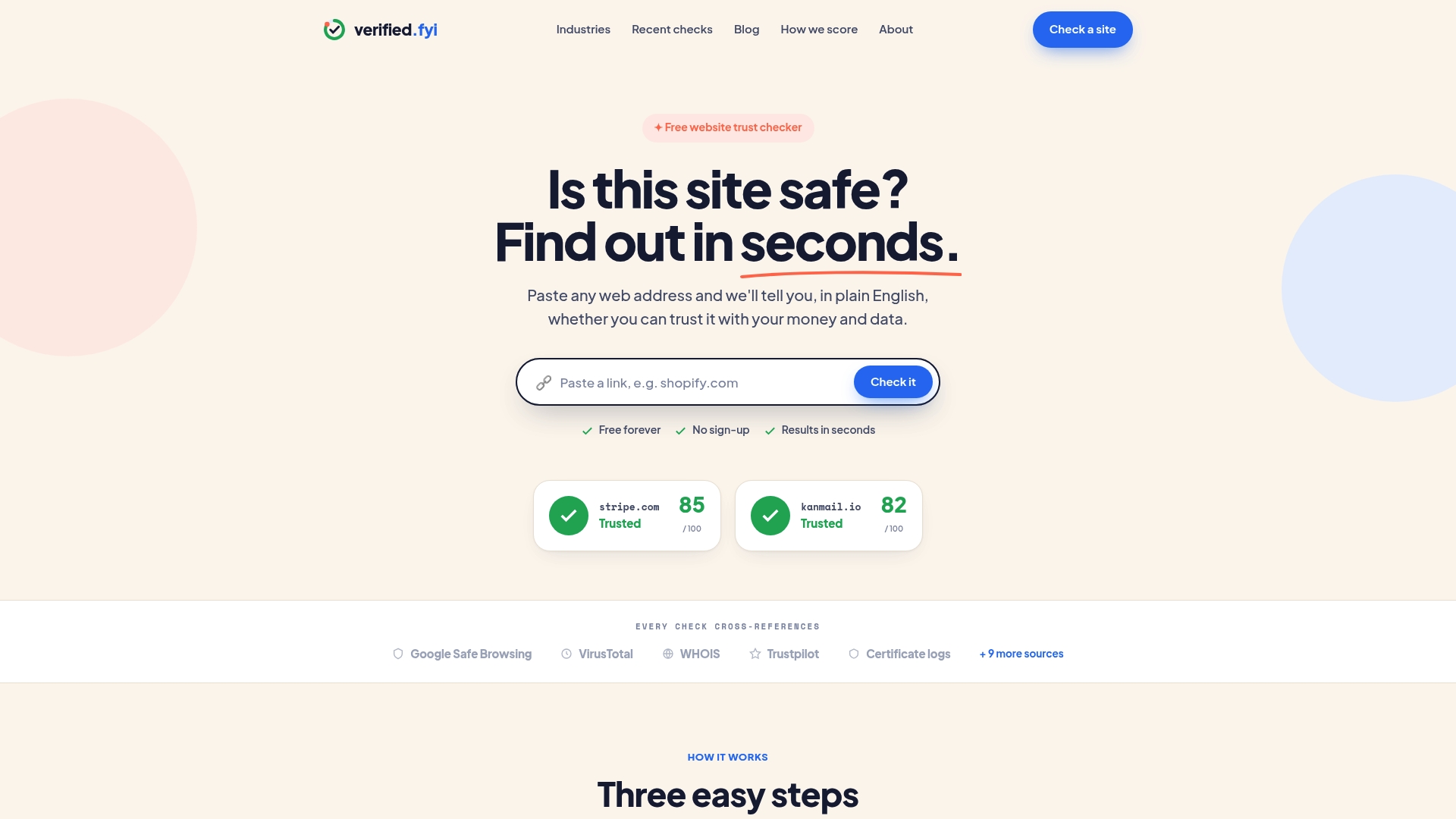
Verified fyi analyzes over 200 security and reputation signals for any URL you submit, then delivers a trust score from 0 to 100 in seconds. You do not need technical knowledge to read the result. A quick check on recently flagged websites shows you which sites are currently under scrutiny, so you can avoid them before they reach your inbox. You can also browse trending sites under review to stay ahead of new threats. Paste any suspicious URL into Verified fyi before you click, and you will know exactly what you are dealing with.
FAQ
What is an AI scam?
An AI scam is a fraudulent scheme that uses artificial intelligence to generate fake messages, voices, videos, or websites designed to steal money or personal information. The technology makes these attacks more convincing than traditional scams.
How do I spot a deepfake video call?
Look for blurry or unnatural edges around the face, mismatched audio and lip movement, and flat skin tone. Pausing the video and examining the face closely reveals most deepfake inconsistencies.
What is out-of-band verification?
Out-of-band verification means contacting the sender through a completely separate channel, such as calling a saved phone number, rather than using any contact details provided in the suspicious message itself.
Can a message from Google Drive be a scam?
Yes. Scammers host malicious content on trusted platforms like Google Drive and Microsoft 365 to bypass email filters and appear credible. A trusted platform does not guarantee the content it hosts is safe.
How does Verified fyi help with AI scam detection?
Verified fyi checks any website URL against over 200 security and reputation signals and returns a trust score from 0 to 100. This gives you an instant, objective read on whether a site is safe before you visit or share any information.