TL;DR:
- Verifying a payment page involves checking the URL, encryption, and trust signals to ensure safety. These quick steps protect shoppers from scams and clone sites by verifying domain accuracy, HTTPS status, branding, and certificates. Combining multiple verification tools and trusted payment methods further reduces the risk of fraud during online transactions.
Verifying a payment page means confirming the URL is legitimate, the connection is encrypted, and the payment options are trustworthy before you enter any sensitive data. This process, known formally as payment page authentication, takes 20–30 seconds and protects you from phishing attacks and checkout skimmers. Scammers build convincing fake checkout pages that look identical to real ones. Knowing exactly what to check is the difference between a safe transaction and a compromised card.

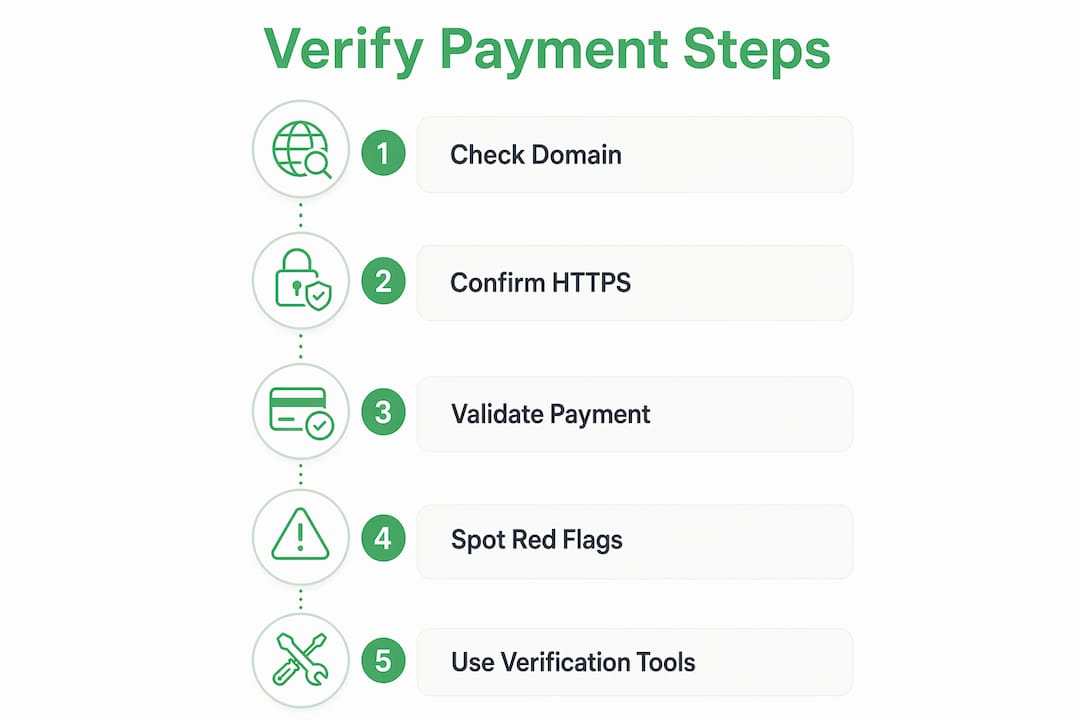
How to verify a payment page in five quick steps
A systematic check of any checkout page takes less than a minute and covers the non-negotiables: domain, encryption, and trust signals. Run these steps every time you reach a payment screen on an unfamiliar site.
-
Check the domain name exactly. The URL must match the official brand domain character for character. Look-alike domains, such as "amaz0n-checkout.com" instead of "amazon.com," are a key scam vector. Read the domain out loud if your eye glosses over it.
-
Confirm HTTPS is active. The address bar must show "https://" and no browser security warnings. A padlock icon confirms an encrypted connection, but it does not confirm the site is legitimate. Scammers purchase valid SSL certificates for malicious domains, so HTTPS is a starting point, not a finish line.
-
Look for consistent branding. Spelling mistakes, mismatched logos, or fonts that differ from the official site are red flags. Cloned checkout pages often copy the visual design but miss small details.
-
Avoid pages with pressure tactics. Countdown timers, urgent pop-ups, and "pay now or lose your order" messages are manipulation tools. Legitimate retailers do not pressure you to skip security checks.
-
Check the browser security certificate. Click the padlock icon or the info icon in your browser's address bar. The certificate should list the organization name matching the retailer you expect.
Pro Tip: Before entering card details, open a new tab and navigate directly to the retailer's official site. Compare the domain in both tabs. If they differ by even one character, close the payment tab immediately.
How do trusted payment methods protect your transactions?
The payment method you choose adds a critical layer of protection beyond the page itself. Credit cards and recognized payment intermediaries offer chargeback and dispute protections that wire transfers and cryptocurrency do not. If a merchant turns out to be fraudulent, a credit card dispute can recover your funds. A wire transfer or crypto payment is almost always gone for good.
- Credit cards: Offer chargeback rights and fraud liability limits. Most major card networks cap your liability at $0 for unauthorized charges.
- Recognized payment intermediaries: Services that act as a buffer between your card and the merchant limit how much financial data the merchant ever receives.
- Verification of Payee systems: These systems categorize match results as "Verified," "Close Match," "Mismatch," or "Cannot Verify." Stop any transaction immediately if you see a mismatch.
- Cryptocurrency and gift cards: Payment methods that insist on irreversible transfers are a major red flag. Fraudulent businesses restrict options to prevent refunds.
- Wire transfers: Offer no consumer protection once the funds leave your account.
Layering multiple verification steps, such as name-to-account matching and independent callback confirmation, greatly reduces payment fraud compared to relying on a single trust signal. Apply this principle to your own checkout habits: never rely on just one green indicator.
Pro Tip: Prefer payment gateways integrated with well-known platforms. When a small retailer routes you through a recognized processor's branded page, that processor's fraud systems are actively protecting your transaction.
What red flags and phishing traps should you watch for?
Scammers have moved well beyond simple fake storefronts. Modern phishing attacks target the checkout moment specifically, because that is when you are most likely to enter card data without pausing.
Watch for these warning signs:
- Unexpected domain changes during checkout. If the URL shifts to an unfamiliar domain when you click "proceed to payment," treat the page as potentially fraudulent until you can verify it independently.
- Refund or verification page requests. Phishing pages often pose as refund flows asking you to re-enter card details to "confirm" your identity. Legitimate support never requests card information unsolicited.
- Pressure pop-ups and countdown timers. These are designed to prevent you from thinking clearly. A real retailer will hold your cart.
- Requests for unusual payment methods. Any site that only accepts gift cards, crypto, or wire transfers for a standard retail purchase is almost certainly a scam.
- Inconsistent contact information. Trustworthy merchants provide clear support details, including a physical address, phone number, and return policy. Missing or vague contact info is a warning sign.
The safest response to any suspicious checkout page is to stop immediately. Close the browser session and manually type the retailer's official URL into a new window. This "circuit breaker" step cuts off any cloned session that may be tracking your inputs.
Pro Tip: If you already entered card details on a suspicious page, call your bank immediately to monitor or freeze the card. Acting within minutes significantly limits potential damage.
What tools can help you confirm payment page safety?
No single tool catches every threat, but combining a few resources makes your checkout verification fast and reliable.
| Verification method | What it checks | Best for |
|---|---|---|
| Browser security indicator | HTTPS status and certificate details | First-pass encryption check |
| Domain inspection | Exact URL spelling and registrar match | Catching look-alike domains |
| Site legitimacy checker | Reputation signals and scam reports | Unfamiliar or new retailers |
| Official business contact | Confirms payment request is genuine | High-value or unusual transactions |
| Payment method protections | Chargeback and dispute eligibility | Post-purchase fraud recovery |
Online safety checkers scan URLs against databases of known scam sites and provide real-time flags for suspicious behavior. They work best when you paste the exact payment page URL, not just the homepage. For high-value purchases, cross-check the site's contact page and call the listed support number before paying. Fraud prevention tools that use technology-driven red flag detection add another layer by identifying phishing patterns in payment and refund flows automatically.
Keep a short personal checklist saved on your phone: domain match, HTTPS confirmed, no pressure tactics, recognized payment method, and contact info verified. Running through five points takes under a minute and catches the vast majority of fake checkout pages.
Key Takeaways
Verifying a payment page requires checking the domain, encryption, payment method, and scam signals before entering any card data.
| Point | Details |
|---|---|
| Domain check is non-negotiable | Confirm the URL matches the official brand exactly, character for character, before typing anything. |
| HTTPS alone is not enough | Scammers use valid SSL certificates, so always verify the domain and certificate owner too. |
| Use reversible payment methods | Credit cards and recognized intermediaries offer chargeback rights that crypto and wire transfers do not. |
| Red flags demand a full stop | Unexpected redirects, refund page requests, and pressure tactics mean you should close the session immediately. |
| Tools multiply your protection | Combining a site legitimacy checker, browser indicators, and a personal checklist catches most fake checkout pages. |
The padlock is not a promise
I have reviewed hundreds of payment pages, and the single most common mistake I see is people treating the padlock icon as a seal of approval. It is not. The padlock tells you the connection is encrypted. It says nothing about who owns the site on the other end.
The second mistake is trusting a checkout page because it looks right. Cloned checkout UIs are frighteningly accurate. I have seen fake pages that replicate every pixel of a major retailer's design, including the footer links and the cookie banner. The only thing that gives them away is the domain, and most people never look.
My honest advice: build the habit of reading the full URL every single time you reach a payment screen. Not just the padlock. Not just the brand name in the page title. The actual domain in the address bar. When in doubt, restart the checkout from the official site by typing the URL yourself. That one habit eliminates the vast majority of checkout scams. Scammers evolve their tactics constantly, so your verification habits need to keep pace. Layering checks is not paranoia. It is the only approach that actually works.
— Nick
Check any payment site with Verified fyi
Verified fyi analyzes over 200 security and reputation signals for any website and returns a trust score from 0 to 100 in seconds. Paste the payment page URL before you buy and get a clear verdict on whether the site is safe.
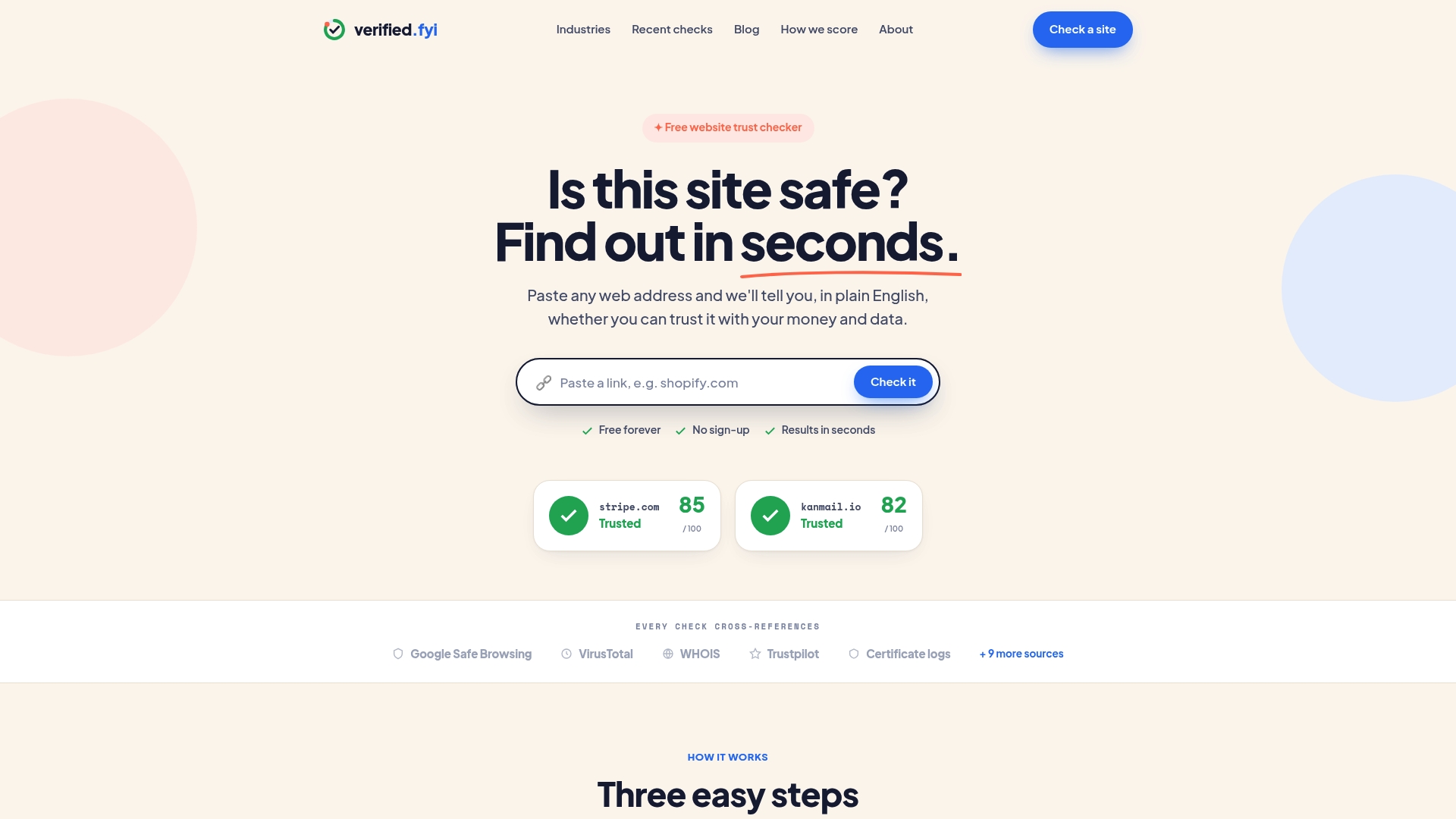
Browse recently checked websites to see real-time scam reports and legitimacy verdicts on sites other shoppers have flagged. If a retailer you are considering appears there with a low score, you have your answer before you ever reach the checkout. You can also check any site instantly by entering the URL directly. Verified fyi makes the verification process fast enough to use on every purchase, not just the ones that feel suspicious.
FAQ
What is the fastest way to verify a checkout page?
Check the domain name matches the official brand exactly, confirm HTTPS is active, and look for a valid security certificate in the browser's address bar. This 20–30 second check catches the most common fake checkout pages.
Does HTTPS mean a payment page is safe?
No. HTTPS confirms the connection is encrypted, but scammers purchase valid SSL certificates for fraudulent domains. Always verify the domain name and certificate owner separately.
Which payment methods are safest for online purchases?
Credit cards and recognized payment intermediaries are the safest options because they offer chargeback and dispute protections. Avoid irreversible methods like cryptocurrency, gift cards, or wire transfers on unfamiliar sites.
What should I do if I suspect a payment page is fake?
Close the browser session immediately and manually type the retailer's official URL into a new window. If you already entered card details, contact your bank right away to monitor or freeze the account.
How do I check if a website is legitimate before paying?
Use an online site legitimacy checker to scan the URL against known scam databases. Verified fyi analyzes over 200 signals and returns a trust score in seconds, giving you a clear answer before you commit to a purchase.