
Finding a website safety scanner that flags both technical risks and scam patterns without requiring account signup is unreliable in 2026. Many tools lock core features behind registration, narrow their focus to phishing or IP checks, or miss community-driven scam signals. This list compares six scanners on free access, technical range, and community reporting so readers can select one that fits their workflow.
Table of Contents
Verified fyi
At a Glance
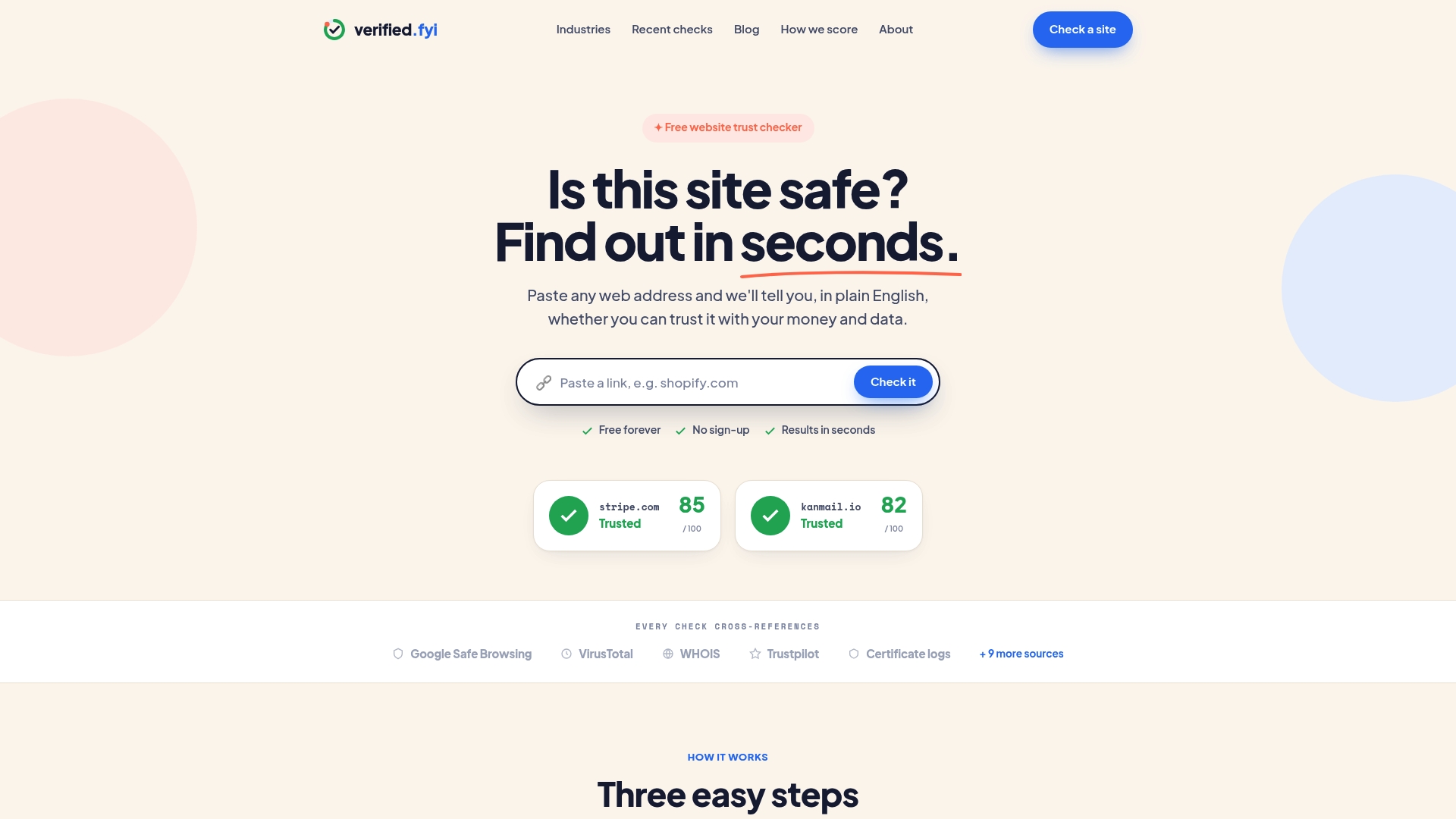
Verified fyi's marketing materials state it analyzes over 200 security and reputation signals to produce a 0 to 100 trust score. That scoring is presented as a single number with a short explanation when you paste a URL. The site is free and asks for no sign up or personal data.
Core Features
Verified fyi runs real time trust scoring and aggregates signals from Google Safe Browsing, VirusTotal, WHOIS, Trustpilot, and other sources. It reports findings across security, ownership, reputation, and compliance and pairs each score with a plain English explanation. The service works from a single URL paste and does not require installation or registration.
Key Differentiator
That wide signal aggregation plus immediate, readable explanations makes risk easy to interpret. The combination of many sources and short commentary reduces guesswork when you need a quick check.
Pros
The site is free to use and requires no registration, so you can check links from email or chat without creating an account. It combines multiple reputable sources to surface technical red flags and ownership data, which helps reveal phishing and scam infrastructure. Verified fyi also emphasizes privacy and states it does not track or profile users, which matters when you test unknown links frequently.
Cons
- Reports technical signals only. It does not evaluate site content quality or business intent.
Who It's For
Anyone who wants a quick verification of a website before sharing, clicking, or entering credentials will find this useful. Consumers, online shoppers, and employees vetting unfamiliar links will get fast, actionable signals. People who need deep editorial assessment of content should pair this with a manual review.
Unique Value Proposition
Because checks need only a URL and no account, you can vet links from messages in seconds without exposing your data. That workflow saves time for people who decide on the spot whether a site is worth trusting or needs deeper scrutiny.
Real World Use Case
You get an unexpected link to a new online store in a group chat. Paste the URL into Verified fyi and read the trust score and the short explanation. If the score flags hosting problems or bad reputation entries, you skip the purchase and report the link.
Website: https://verified.fyi
Straja
At a Glance
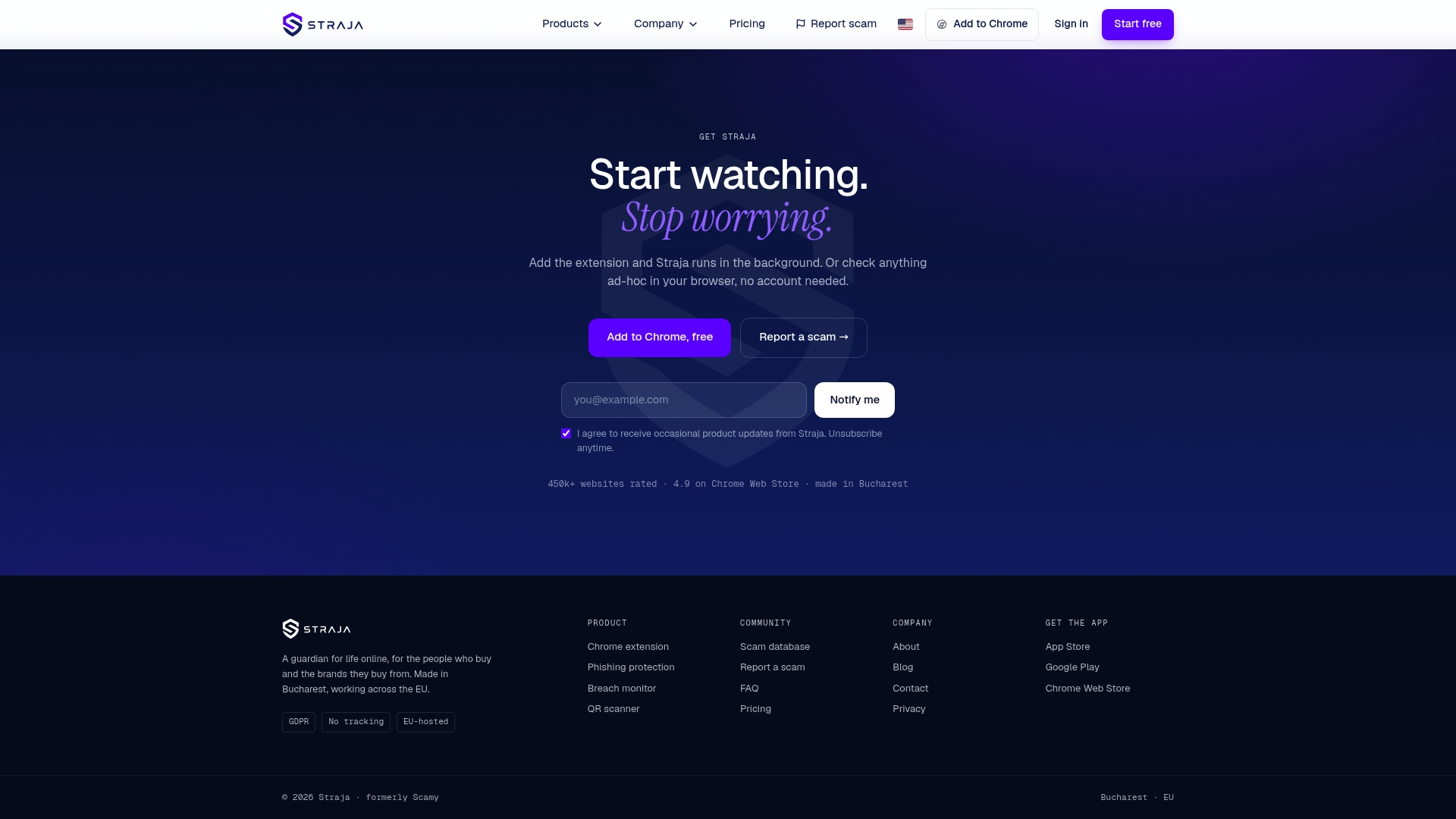
Straja reports a 98% detection rate for malicious sites. The vendor states it is GDPR-compliant and uses EU hosting. The service covers websites, emails, QR codes, and messaging channels to defend against scams.
Core Features
A lightweight browser extension offers real time site protection and warns you before you load known or suspected threats. AI powers phishing detection and email scanning while continuous breach monitoring watches for leaked credentials. You can scan QR codes and links and join a community scam database and reporting system to share threat signals.
Key Differentiator
Straja applies a full-spectrum AI-based analysis across sites, email, QR, and messaging channels rather than relying only on static blacklists. That approach aims to flag novel phishing and scam patterns earlier. The platform combines automated signals with community reports for faster detection.
Pros
Straja reports an industry-leading detection claim, and that figure shows in tests where clear phishing indicators were caught before load. The extension runs lightweight and is not intrusive, so it does not slow browsing. The vendor emphasizes no user tracking and private hostname analysis, and the community features let users report new scams quickly.
Cons
- Some advanced protections, such as breach monitoring and AI email scans, require a paid plan.
- Protection depends on users installing and activating the extension. If users do not enable it, coverage is limited.
- Public information about integrations with enterprise security stacks is limited, which may complicate deployment for larger teams.
When It May Not Fit
Straja cannot replace a full enterprise security suite that includes network controls and endpoint management. Organizations that need automatic, centrally deployed agents may find the user activation model a poor fit. The product offers limited offline protections, so devices with intermittent connectivity get less coverage.
Who It's For
Tech savvy individuals who want private, browser based scam defenses will find Straja useful. Small to medium businesses seeking fraud detection without heavy infrastructure can use the browser and email tools. Financial institutions interested in customer facing protections and breach monitoring can adopt it as a layered control.
Real World Use Case
A bank deploys the browser extension for retail customers to warn of fraudulent login pages during online transactions. The bank uses breach monitoring to detect leaked credentials and notifies affected customers. Community reports help surface emerging scams that affect the bank before they spread.
Pricing
A free tier covers basic protection and the browser extension. The Pro plan costs €7.79/month billed annually and unlocks unlimited features and priority support. Advanced features mentioned in the product notes are part of the paid plan.
Website: https://scamy.io
urlscan.io
At a Glance
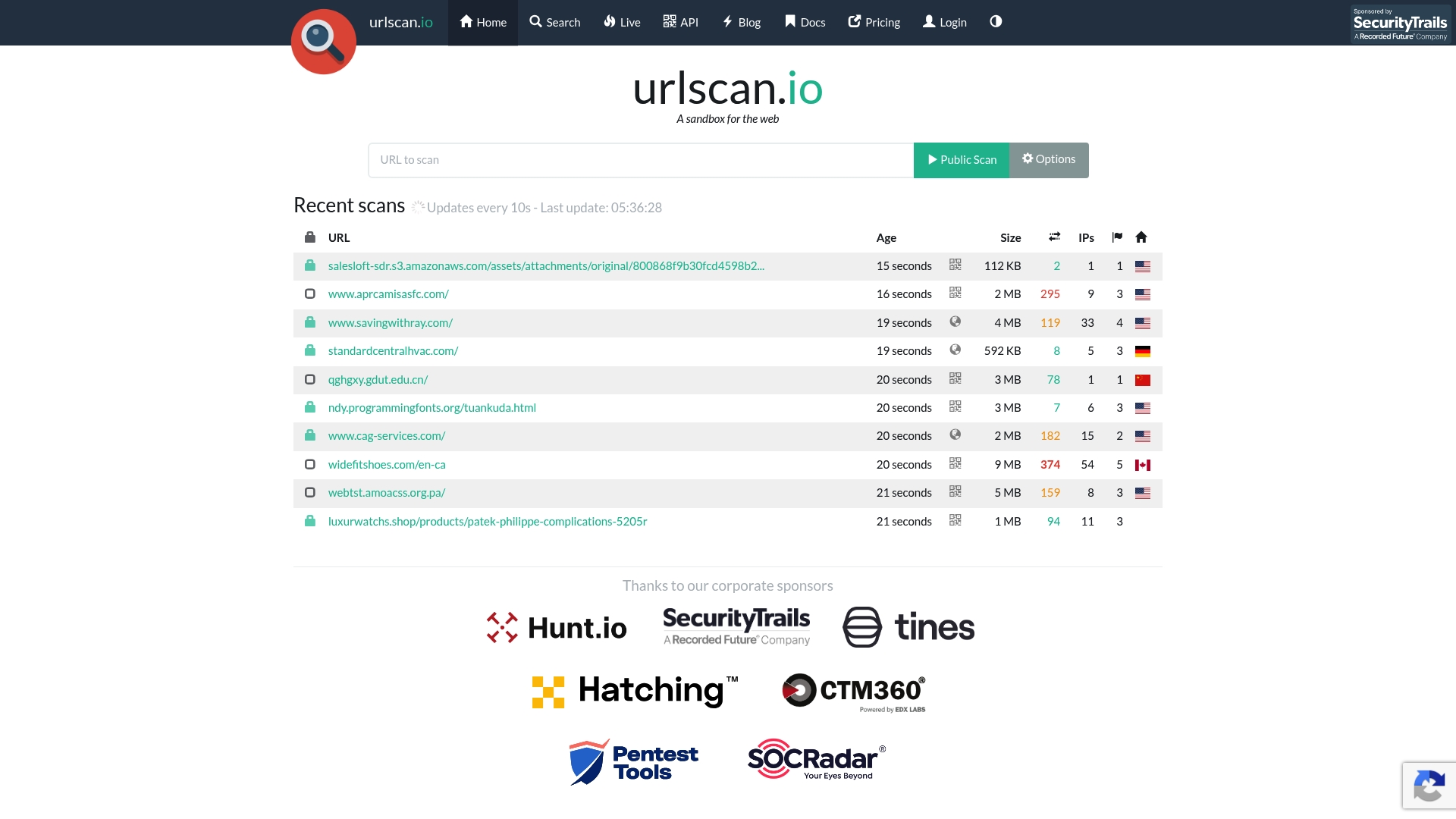
Scans websites inside a headless Chrome instance and records network requests, TLS certificate details, and loaded resources. The platform presents Public, Unlisted, and Private visibility options for scans. Its API-first design makes automated submission and retrieval straightforward for investigation workflows.
Core Features
urlscan.io runs automated site inspections with a browser engine that captures scripts, network calls, and resource loads while logging DNS and IP resolution. It supports scan location selection across countries and offers Public, Unlisted, and Private visibility levels for controlling data exposure. The service includes comprehensive API access and Wappalyzer-based detection for technology fingerprinting.
Key Differentiator
The standout aspect is the emphasis on automated, queryable scan data tied to granular visibility controls. That approach gives analysts audit-ready records and controlled sharing of suspicious-site artifacts. Teams that must combine scripted scans with selective public disclosure will find this model practical.
Pros
The platform delivers detailed inspection data showing which external resources a page contacts and what scripts execute. Its API-first platform allows SOCs and threat teams to integrate scans into automated playbooks and incident response pipelines. Visibility tiers let analysts mark scans public for community signals or private for internal investigations. Export options and feed-friendly outputs make correlation against threat intelligence feeds straightforward.
Cons
- Limited to website behavior analysis rather than full malware detection. It does not perform antivirus scanning or signature-based removal.
- Screenshots and DOM snapshots may be missing for pages classified as empty or those with loading issues. That can reduce evidence for some pages.
- The interface and API require familiarity with web request tracing and scripting. New analysts will face a learning curve.
When It May Not Fit
If you need automated malware quarantine or endpoint remediation, this is not the right tool. Analysts who require guaranteed screenshots for every page will find some missing artifacts. Groups without API experience may struggle to extract full value from scripted workflows.
Who It's For
Security researchers and threat intelligence analysts who need repeatable website behavior records will benefit. SOC teams that automate URL triage and enrichments will welcome the API and export formats. Organizations mapping attacker infrastructure or technology stacks for risk assessments will also find it useful.
Real World Use Case
A SOC team automatically submits URLs extracted from phishing emails to urlscan.io. The API returns network traces, contacted domains, and TLS details. The team correlates those artifacts with internal logs and threat feeds to prioritize takedown and blocking.
Website: https://urlscan.io
PhiShark
At a Glance
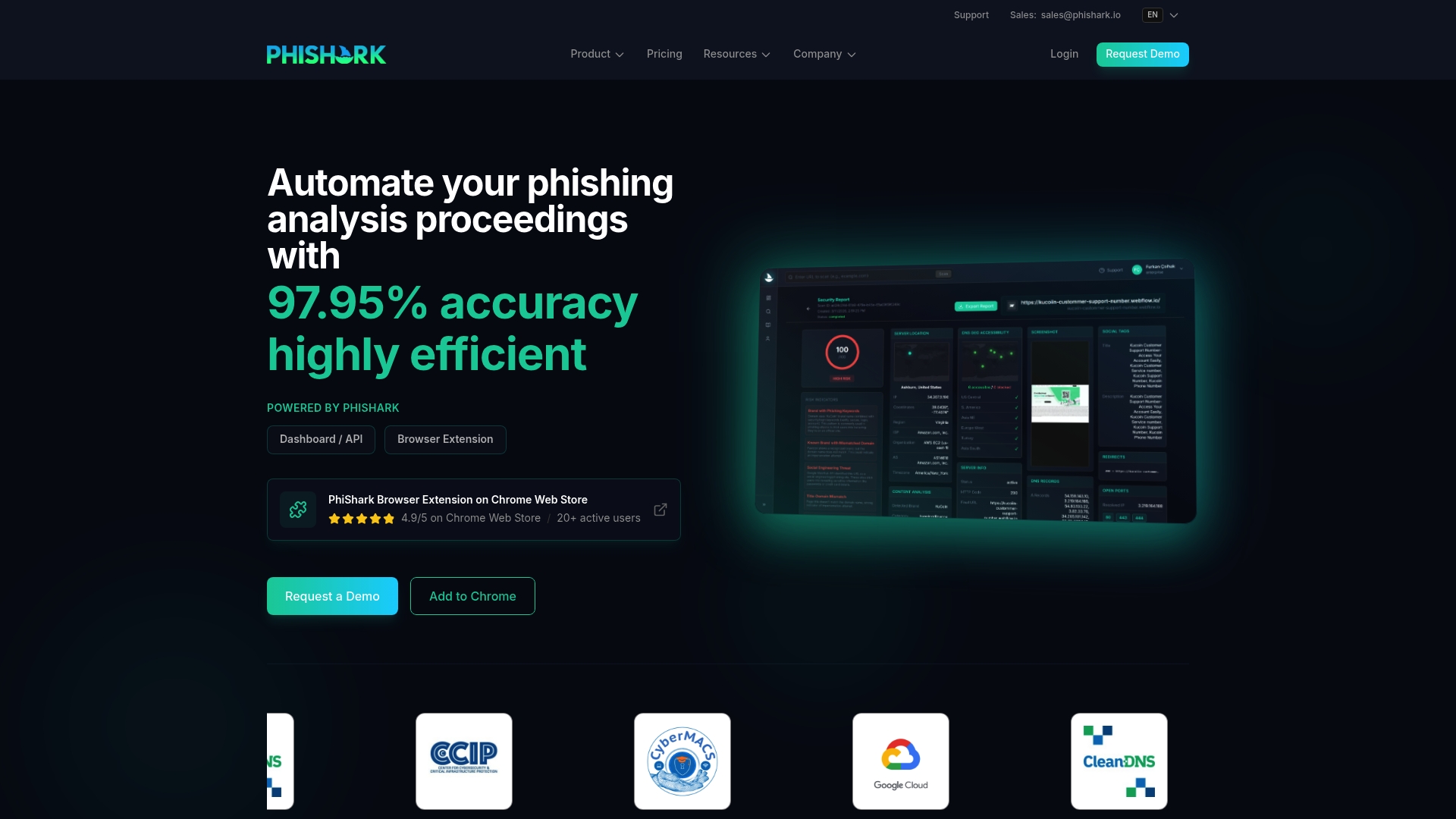
PhiShark reports 97.95% real-time detection accuracy for phishing URLs. That accuracy claim comes from vendor materials and serves as the headline capability. The platform centers on fast, automated URL analysis for security teams who must triage large link volumes.
Core Features
PhiShark combines AI-driven URL analysis with a REST API and a collaborative dashboard. The system captures evidence automatically and returns explainable signals and AI commentary to help analysts decide. The product supports real-time verdicts and API-first workflows for direct integration into email security and SIEM systems.
Key Differentiator
PhiShark uses an agentic AI architecture that its marketing describes as enabling unlimited parallel processing and real-time, explainable verdicts. This design targets environments that need mass URL checks at consistent speed. The architecture emphasizes automated, concurrent analysis rather than single-threaded human review.
Pros
PhiShark delivers high-speed, AI-based phishing detection with detailed signals that help reduce analyst guesswork. The platform scales to process thousands of links simultaneously, which lowers manual review costs. Its API and dashboard let security teams plug results into existing email gateways, SIEMs, or threat intelligence feeds for faster blocking and correlation.
Cons
-
Detection quality depends on correct deployment and configuration. Misconfigured rules or connectors can reduce effectiveness.
-
The product focuses on URL-based phishing. It does not aim to detect non-URL attacks or broader threat classes.
-
Credit-based, tiered pricing may complicate cost forecasting for teams with unpredictable analysis volume.
When It May Not Fit
PhiShark may not suit organizations that need broad, multi-vector threat detection rather than phishing-specific signals. Small teams that lack engineering resources for API integration could find setup time consuming. If your security program relies heavily on non-URL telemetry, you will need complementary tools.
Who It's For
Security teams and threat analysts who handle large volumes of suspicious links will find PhiShark useful. Cybersecurity vendors and SIEM teams that want automated URL enrichment can integrate outputs directly. Organizations looking for scalable, API-driven phishing detection match this product profile.
Real World Use Case
A cybersecurity firm integrates PhiShark into its detection pipeline to analyze thousands of links daily. The platform tags likely phishing URLs and supplies evidence for triage. That workflow speeds incident response and reduces time analysts spend on low-risk links.
Pricing
PhiShark uses a credit-based subscription with a free tier of 50 credits. The vendor lists a Pro plan at $4.99 per month for 500 credits and custom enterprise options for higher volumes. Credits are consumed per URL analysis according to the chosen plan.
Website: https://phishark.io
AbuseIPDB
At a Glance
AbuseIPDB reports a free plan that allows 1,000 checks per day, which suits individuals and small teams who run occasional reputation lookups. The site collects community reports to build a centralized blacklist that webmasters and admins can query. Its mix of public reporting and machine-friendly access makes rapid IP triage straightforward.
Core Features
The service centralizes IP reputation checking and user reporting, letting operators flag abusive addresses and consult a shared blacklist. It exposes an accessible API for automated queries and bulk lookups, and it supplies plugins and connectors for security tools. The platform also supports bulk reporting and integrates with common detection tools used by responders.
Key Differentiator
AbuseIPDB's main strength is its API plus broad integrations, which let security teams feed IP reputation directly into firewalls, SIEMs, and response playbooks. That automation focus narrows its remit compared with Verified fyi, which emphasizes site-level scoring across hundreds of signals. For teams focused on blocking and reporting hostile IPs, the integration surface is the standout feature.
Pros
The free tier above lowers the barrier for testing and casual use without upfront costs. Deep integrations with tools such as Splunk and CrowdStrike let teams add reputation checks into existing workflows quickly. A visible community ecosystem produces third-party scripts and plugins, and the API supports both single and bulk queries for incident handling.
Cons
- Limited fit for large enterprise needs. Custom plans are required for high-volume workflows or enterprise SLAs.
- Free tier limits can frustrate high-volume use. The daily check cap restricts continuous monitoring at scale.
- Occasional site page errors like 404 pages. That suggests the public site can present navigation or reliability quirks.
When It May Not Fit
If your team needs continuous, high-volume reputation feeds without throttling, this service may require an enterprise agreement. If you require a polished vendor portal with guaranteed uptime and formal SLAs, the public site issues above could pose problems. Organizations that need site-wide trust scoring rather than IP-level intelligence will find the scope too narrow.
Who It's For
Security teams, system administrators, and developers who focus on blocking malicious IP traffic will get the most value. Small to medium organizations that need straightforward reporting and API access will find it practical. Teams that plan to embed IP checks into firewalls and SIEM workflows will benefit from the integration set.
Real World Use Case
A security team wires AbuseIPDB's API into its SIEM to check suspicious connection attempts automatically. Confirmed malicious IPs are reported back to the platform and fed into firewall blocklists. That loop speeds incident response and reduces repeated hits from the same addresses.
Website: https://abuseipdb.com
ScamAdviser
At a Glance
ScamAdviser reports a database containing 113 million webpages and 11.2 million scam sites, a scale that shapes its threat signals and reporting coverage. The site mixes automated checks with community reports and educational articles aimed at helping people recognize scams. That combination gives quick answers for suspicious domains and pathways to report incidents to the community.
Core Features
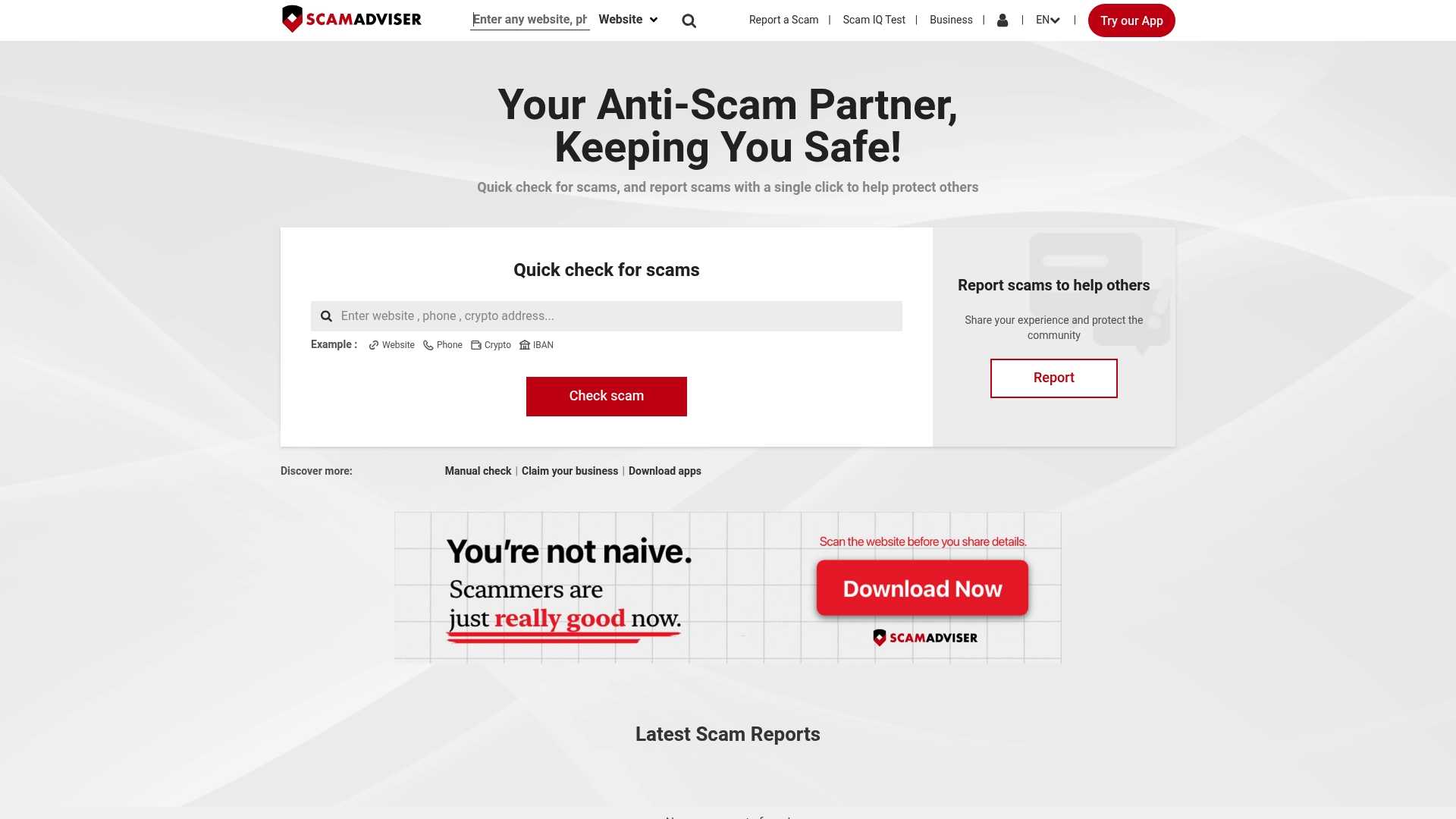
ScamAdviser offers quick website scam checks that present a headline trust signal and links to more detail, plus community-driven scam reporting for shared context. It includes a Scam IQ test and a library of educational articles that explain scam types and prevention methods. The service also issues scam alerts and trend summaries, and it exposes data services intended for enforcement and brand protection teams.
Key Differentiator
ScamAdviser stands out for the sheer size of its scam database and its emphasis on user education. That figure informs the site’s trend analysis and alert lists, which focus on recurring scam signatures across categories such as online shopping and financial sites. For readers who want both quick checks and learning resources, that mix separates it from simpler domain checkers.
Pros
ScamAdviser combines a vast database with community reports and learning materials, which helps people who want both fast verification and context about why a site looks suspicious. The site supports reporting so victims and observers can add cases to public records and influence trend alerts. It also exposes datasets for enforcement or brand protection teams looking to match scam behavior across many domains.
Cons
-
Limited information on specific scam detection mechanisms. The site does not document exact heuristics behind each trust rating.
-
Page currently displays a "page unavailable" message, so features may be inaccessible at times. That makes checks unreliable when the site is down.
-
Lack of detailed user reviews or user experience data. There is little public feedback to judge the accuracy of individual reports.
When It May Not Fit
Organizations that need guaranteed, auditable detection records will find the site lacking because it cannot promise perfect accuracy for every domain. Teams that require real time API access or integration options will find limited tooling for automated workflows. If you need a full verification audit with forensic evidence, this site is not a substitute for professional cyber investigations.
Who It's For
Individuals who want a fast, public check on a suspicious website and a place to report a bad experience will find this useful. Consumer protection volunteers and small teams handling brand abuse will value the database and reporting flow. People seeking in depth forensic reports or integration ready feeds should look elsewhere.
Real World Use Case
A shopper suspects a bargain site of fraud and runs a quick ScamAdviser check to see reported problems and alert history. They file a community report with screenshots and transaction details, and the report contributes to the site’s trend summaries. Enforcement teams can later request related datasets to trace patterns across domains.
Website: https://scamadviser.com
Comparison of alternatives
When comparing website safety scanners, Verified.fyi distinguishes itself through its unique ability to combine extensive signal aggregation with immediate, accessible explanations for end users.
Feature breadth and focus
Verified.fyi offers a streamlined interface for quick and accessible safety assessments. In contrast, Straja incorporates a broader protective scope within browser extensions, catering to users needing browsing threat mitigation. urlscan.io shines in data-rich automated documentation and API-first workflows targeting corporate and forensic analysis needs, whereas PhiShark focuses on high-speed API-based solutions that scale to massive operational volumes.
Technical integration capabilities
urlscan.io's meticulous data inspections and expansive integration options cater to technically advanced users who operate within automated investigation environments. Similarly, AbuseIPDB aligns exceptionally well with those integrating IP-level reputation assessments directly into network defense systems. Both provide scalable solutions but require expertise to maximize their potential benefits.
Best fit
- Choose Verified.fyi when streamlined, immediate decision-making on website trustworthiness without setup is required.
- Choose Straja for an extended phishing defense solution embedded directly within the browsing experience.
- Choose PhiShark to manage automated large-scale phishing detection where API-driven integrations are a priority.
- Choose AbuseIPDB to focus directly on IP reputation tracking integrated into firewall or SIEM workflows.
Our pick
Verified.fyi emerges as the ideal choice for users prioritizing simplicity and privacy in daily website trust verification activities. It excels in situations where on-the-spot link evaluations are frequent, as with email or chat message links. While its direct aggregation method suits numerous users seeking concise trust assessments, competing tools like urlscan.io and Straja provide substantial value for users seeking more specialized technical integrations or protective scopes.
Verified fyi stands out by aggregating signals from multiple reputable sources into easily interpretable trust scores.
| Product | Key Differentiator | Best For | Pricing | Notable Limitation |
|---|---|---|---|---|
| Verified fyi | Combines signals from various sources for quick trust checks | Individuals needing fast website verification | Free | Lacks content and intent quality assessments |
| Straja | AI-driven phishing detection across multiple channels | Tech-savvy users wanting private fraud detection | €7.79/month (Pro) | Advanced protections require a paid subscription |
| urlscan.io | API-first design enables comprehensive site inspections | Security researchers analyzing web behavior | Price not published | Requires web tracing and scripting knowledge |
| PhiShark | Scales to process thousands of links in real-time | Security teams triaging large URL volumes | $4.99/month (Pro) | Credit-based pricing may limit heavy usage |
| AbuseIPDB | API-focused with bulk IP reputation lookup options | Admins embedding IP checks into workflows | Price not published | Free tier cap restricts high-volume usage |
| ScamAdviser | Extensive database combined with user reporting | Individuals checking and reporting scams | Price not published | Insufficiently documented ratings and downtimes |
How to Evaluate urlabuse.com Alternatives With Confidence
When choosing urlabuse.com alternatives, you often face challenges like unclear trust signals and slow verification. Verified fyi addresses these pain points by analyzing over 200 security and reputation signals to deliver a clear trust score from 0 to 100. This score highlights potential risks in an easy-to-understand format, helping you make informed decisions before visiting or sharing new websites.
Verified fyi requires only a URL to provide fast, reliable site safety checks without registration or personal data. This makes it ideal for consumers, online shoppers, and employees who want quick verification without complexity. Check how it compares with other tools at Verified fyi and put your website safety concerns to rest today.
FAQ
What features does Verified fyi offer for assessing website safety?
Verified fyi analyzes over 200 security and reputation signals to produce a trust score. This scoring is produced with support from sources like Google Safe Browsing and VirusTotal, and users get a concise explanation with the score. You can quickly assess a website's safety by pasting its URL into the tool.
How does Straja compare to Verified fyi in terms of features?
Straja excels with its lightweight browser extension that provides real-time site protection and warns users before loading malicious sites. Verified fyi, on the other hand, delivers a straightforward trust score based on aggregated signals without requiring installation or registration, making it ideal for those seeking a quick overview.
What is the detection accuracy of PhiShark when compared to Verified fyi?
PhiShark claims a 97.95% detection accuracy for phishing URLs, making it a strong contender for focused phishing analysis. Verified fyi is more suited for general website trust evaluations, delivering a broader picture of a site's reputation.
Can small businesses use Verified fyi for quick link verifications?
Small businesses can utilize Verified fyi to efficiently verify websites before engaging with them. The tool allows quick checks without the need for registration, saving time in evaluating links shared in communications.
What specific limitations should users be aware of with Verified fyi?
Verified fyi primarily reports technical signals and does not evaluate site content quality or business intent. This means users should complement its findings with manual assessments if they need deeper insights into a website's legitimacy.