TL;DR:
- Website safety ratings are numerical scores indicating how trustworthy and secure a website is based on various technical signals. These scores, produced by tools like Verified fyi, reflect the site's configuration but do not guarantee immunity from threats or malicious intent. Combining multiple scans and manual checks is essential for accurate safety assessment and effective online protection.
A website safety rating is a numerical score that measures how trustworthy and secure a website is, based on technical signals like SSL certificates, domain age, blacklist status, and behavioral patterns. The industry standard term for this is a "trust score" or "site safety score," and tools like Google Safe Browsing, VirusTotal, and Verified fyi each calculate it differently. Understanding how these scores work gives you a real advantage when deciding whether to share your personal data, make a payment, or simply browse an unfamiliar site. A single wrong click can expose you to phishing, malware, or financial fraud.
How are website safety ratings calculated?
Website safety ratings pull from several data sources at once, not just one signal. The result is a composite score that reflects a site's overall security posture.
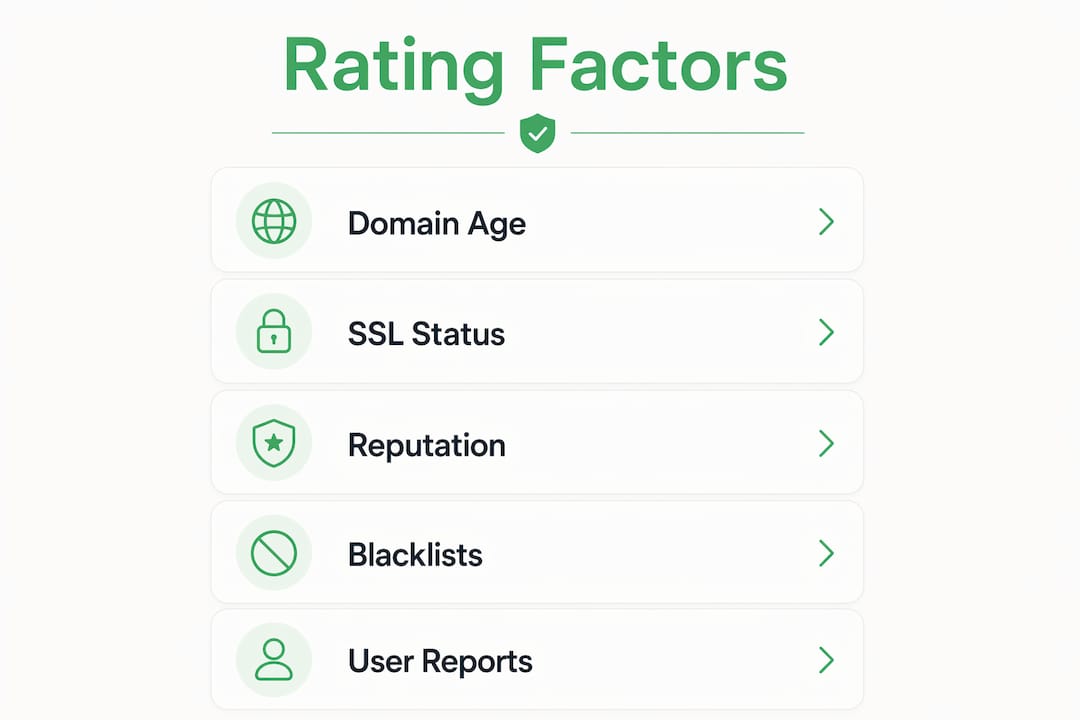
The most common factors include:
- Domain age: Sites registered less than six months ago are considered high risk, especially in e-commerce and investment categories. Scammers launch sites quickly, collect money, and disappear before databases catch up.
- SSL/TLS certificate validity: An SSL certificate confirms that data traveling between your browser and the server is encrypted. It does not confirm the site owner is legitimate.
- Blacklist checks: Tools cross-reference URLs against threat databases maintained by Google, Spamhaus, and other security organizations to flag known malicious sites.
- Behavioral analysis: Algorithms scan for patterns like sudden content changes, hidden redirects, and malware signatures that suggest a site has been compromised.
Each factor carries a different weight depending on the tool. Verified fyi, for example, analyzes over 200 security and reputation signals and produces a score from 0 to 100. That breadth matters because no single factor tells the full story.
| Rating Factor | What It Measures | Example Tool |
|---|---|---|
| Domain age | Registration date and history | WHOIS, Verified fyi |
| SSL certificate | Encryption validity | Otterwatch, browser inspector |
| Blacklist status | Known threat database matches | Google Safe Browsing, VirusTotal |
| Behavioral signals | Malware patterns, redirects | VirusTotal, Trend Micro Site Safety Center |
| Reputation signals | User reports, review history | Verified fyi, community databases |

Pro Tip: Never rely on a single tool's score. Run any unfamiliar URL through at least two sources before trusting it with your data.
What do people get wrong about safety scores?
The biggest misconception about website security ratings is that a padlock icon means a site is safe. SSL certificates confirm encryption, not trustworthiness. Scammers routinely obtain valid SSL certificates for free through services like Let's Encrypt, which means a phishing site can display a padlock and still steal your credentials.
A second common error is treating a high safety score as a guarantee. Website security scores reflect configuration, not breach status. A site can score well on publicly visible settings and still have vulnerabilities in its application code or business logic that no automated scanner can detect.
New websites create a third blind spot. Malicious sites can go undetected for hours or even days after launch because they have not yet been reported to threat databases. A clean scan on a brand new site means very little.
- A padlock icon confirms encryption, not identity or intent.
- A high score reflects visible configuration, not immunity from attack.
- A new site with no history is not automatically clean.
- One tool's clean result does not override red flags from another.
Pro Tip: Use a multi-layered checklist approach that combines automated scans with manual checks like reviewing contact information, reading user reviews, and inspecting the full URL.
How to check if a website is safe right now
Running a safety check takes less time than most people expect. A standard website safety scan using tools like Google Safe Browsing or VirusTotal typically takes about 10 seconds. That 10 seconds can save you from a scam that takes months to recover from.
Here is a practical step-by-step process:
- Paste the URL into Verified fyi. You get an instant score based on over 200 signals, including blacklist status and reputation data. This is your fastest first filter.
- Cross-check with VirusTotal or Google Safe Browsing. Both are free and scan against dozens of threat databases simultaneously.
- Run a WHOIS lookup. WHOIS is a public database that shows when a domain was registered and who owns it. A domain registered last week selling luxury goods is a red flag.
- Inspect the SSL certificate. Click the padlock in your browser and check the issuer. A certificate from a reputable authority like DigiCert or Sectigo adds credibility. A free certificate alone does not.
- Read the full URL carefully. Check subdomains and paths for phishing tricks. "paypal.secure-login.com" is not PayPal. The real domain is everything before the first single slash.
- Look for contact information. A legitimate business lists a physical address, phone number, and support email. Missing contact details are a non-negotiable red flag.
- Search for user reviews off-site. Check Trustpilot or Reddit for mentions of the domain. Scam sites often have a trail of complaints that never appear on the site itself.
| Warning Sign | What It Suggests |
|---|---|
| Domain registered under 6 months ago | High risk, especially for shopping or investment sites |
| No contact page or physical address | Likely fraudulent or fly-by-night operation |
| Unusual TLD (e.g., .xyz, .sbs, .shop) | Common in disposable scam domains |
| Numbers or hyphens in domain name | Suspicious domain characteristics associated with fraud |
| Requests for wire transfer or crypto only | Strong indicator of a scam payment flow |
Where do safety ratings fit in your broader online security?
Safety ratings are snapshots, not continuous monitors. A site that scores 85 today can be compromised tomorrow. Treating any single score as a permanent seal of approval is the fastest way to get caught off guard.
Effective online protection uses safety ratings as one layer in a broader strategy:
- Continuous monitoring: Bookmark sites you use regularly and recheck them periodically, especially before making payments.
- Multi-tool verification: Combine Verified fyi, VirusTotal, and a cybersecurity assessment checklist for any site handling sensitive data.
- Behavioral skepticism: If a deal looks too good, a site pushes urgency, or a payment method feels unusual, trust that instinct. Automated tools miss social engineering.
- User education: Share what you know. Most scam victims are not careless. They simply did not know what to look for.
Website safety ratings serve as starting points that highlight configuration quality. They do not replace your own judgment or a thorough manual review.
Key takeaways
Website safety ratings are useful filters, but they work best when combined with manual checks, multi-tool verification, and consistent skepticism.
| Point | Details |
|---|---|
| Ratings measure signals, not guarantees | Scores reflect visible configuration, not immunity from attack or breach. |
| SSL padlocks confirm encryption only | A padlock does not mean the site owner is trustworthy or legitimate. |
| New sites carry extra risk | Malicious sites can evade detection for hours or days after launch. |
| Multi-tool checks are the standard | Use Verified fyi, VirusTotal, and WHOIS together for reliable results. |
| Scores change over time | Recheck sites regularly, especially before sharing payment or personal data. |
The part most safety guides skip
I have reviewed hundreds of websites flagged as suspicious, and the pattern that surprises people most is this: the dangerous ones rarely look dangerous. They have clean designs, working SSL certificates, and scores that land in the mid-range, not the red zone. The score is not wrong. It is just incomplete.
The real tell is almost always off the site itself. A Reddit thread from three weeks ago. A Trustpilot review with no response. A domain registered 11 days before a major sale event. Automated tools cannot read those signals. You can.
My honest advice is to treat a safety score the way you treat a credit score. It is useful context, not a final verdict. A score of 70 on Verified fyi means the site passed a lot of technical checks. It does not mean the person running it has good intentions. Pair the score with a 60-second manual review and you will catch what the algorithm misses. That combination is what actually keeps you safe.
— Nick
Check any site before you click
Verified fyi was built for exactly this situation. You have a URL, you are not sure about it, and you need a clear answer fast.
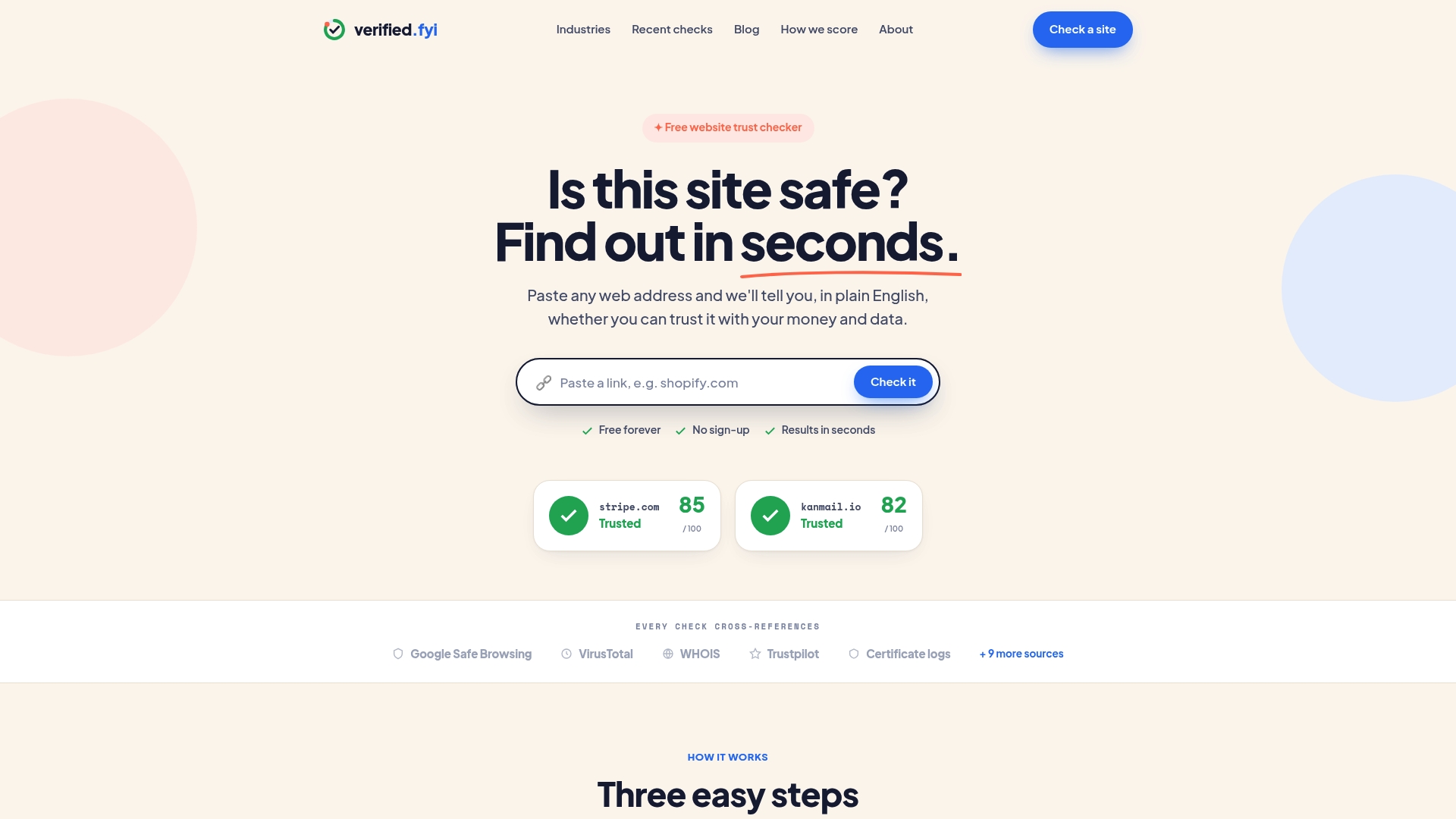
Paste any URL into Verified fyi and get an instant trust score based on over 200 security and reputation signals. The platform uses AI to weigh those signals and deliver a plain verdict: safe, risky, or unknown. You can also browse recently checked websites to see what other users have flagged in real time, or read the full scoring methodology to understand exactly how each verdict is calculated. No guesswork. No waiting.
FAQ
What is a website safety rating?
A website safety rating is a score that measures how trustworthy a site is based on factors like domain age, SSL status, blacklist matches, and behavioral signals. Tools like Verified fyi produce scores from 0 to 100.
Does HTTPS mean a website is safe?
No. HTTPS confirms encryption between your browser and the server, but scammers regularly use valid SSL certificates on malicious sites to appear legitimate.
How do i check a website's safety score?
Paste the URL into Verified fyi, VirusTotal, or Google Safe Browsing. Each scan takes about 10 seconds and checks the site against multiple threat databases.
Can a website with a high safety score still be dangerous?
Yes. Security scores reflect visible configuration, not application-level vulnerabilities or the owner's intent. Always combine a score with a manual review of contact details, domain age, and user reviews.
How often do website safety ratings change?
Ratings can change within hours. Scores are snapshots, not permanent assessments, so recheck any site before making a payment or sharing sensitive information.