TL;DR:
- Website trust badges communicate security and credibility but are most effective when specific, verifiable, and strategically placed. They significantly boost conversions by addressing visitor fears during critical moments like checkout and payment. However, badges must be supported by genuine policies and contact information to build lasting trust.
Website trust badges are visual symbols placed on websites to communicate security, credibility, and reliability to visitors before they hand over personal or payment information. You've seen them on checkout pages: the padlock icon, the PayPal logo, the Better Business Bureau seal. Each one carries a specific message. Understanding the website trust badges meaning helps you read a site's safety signals the same way you'd read a nutrition label before buying food. The stakes are real. Security concerns cause 19% of US consumers to abandon their carts, and that number reflects genuine fear, not just inconvenience.
1. What does "website trust badges meaning" actually cover?
Trust badges, also called trust seals or trust signals, are third-party or self-declared icons that tell visitors a site meets certain standards. The term covers five distinct categories, each signaling something different about a site's safety and reliability.
Here are the five main types you'll encounter:
- Security badges confirm encrypted data transmission. SSL certificates and "Secure Checkout" icons fall here. When you see a padlock or a Norton Secured seal, it means the site uses HTTPS to protect your data in transit.
- Payment badges display accepted payment methods. Visa, Mastercard, PayPal, and Apple Pay logos reassure you that familiar, fraud-protected payment options are available.
- Endorsement badges come from recognized third parties. The Better Business Bureau (BBB) accreditation seal, Google Verified Reviews, and Trustpilot ratings are examples. These carry weight because they are independently verifiable.
- Policy badges communicate specific guarantees. A "30-day money-back guarantee" icon or a "free shipping" badge addresses the two biggest purchase risks directly.
- Media mention badges show logos from press coverage. A "As seen in Forbes" badge signals external validation from a credible source.
Each type works differently on the reader's brain. Security badges reduce fear. Payment badges reduce friction. Policy badges reduce risk. Endorsement badges build authority. Knowing which type you're looking at tells you exactly what a site is trying to prove.
2. How trust badges improve conversions and reduce hesitation

Trust badges are not decoration. Strategic badge placement near payment forms increases conversion rates by 15–30% for less-familiar brands, with some industries seeing lifts as high as 42%. That range reflects how much placement and badge type matter.
Cart abandonment is the clearest proof of their value. Security concerns drive nearly one in five American shoppers to leave before completing a purchase. A well-placed SSL badge or secure checkout seal directly addresses that fear at the exact moment it peaks.
"Trust badges boost immediate conversion and support long-term E-E-A-T and paid traffic ROI improvements." — Jacob Anderson, Logos Web Designs
That quote matters beyond the checkout page. E-E-A-T (Experience, Expertise, Authoritativeness, Trustworthiness) is Google's framework for evaluating content quality. Sites with visible, verifiable trust signals score better on those dimensions, which improves organic search rankings over time. Trust badges are both a conversion tool and a credibility asset for author and brand authority in search.
3. Which trust badges are most effective?
Not all badges perform equally. The research points to a clear hierarchy based on specificity and verifiability.
| Badge type | Example | Relative effectiveness | Why it works |
|---|---|---|---|
| Policy badge | "30-day free returns" | Very high | Addresses a specific buying risk |
| Payment badge | PayPal, Visa logos | High | Familiar brands transfer trust instantly |
| Endorsement badge | BBB, Google Reviews | High | Third-party verified and clickable |
| Security badge | SSL, Norton Secured | Moderate | Reassures but often ignored by repeat shoppers |
| Generic security icon | Self-made padlock | Low | No verification path, often ignored |
CartyLabs experts note that shoppers prefer specific policy promises like "30-day returns" or "free shipping" over abstract security icons. Concrete assurances outperform vague ones because they answer the actual question in the shopper's head: "What happens if this goes wrong?"
Damjan Stankovic's research confirms that consumers distinguish self-created badges from independently verifiable ones. Visitors actively click badges to confirm legitimacy. If a badge links to a real third-party certification page, it passes that test. If it links nowhere, it raises a red flag.
Pro Tip: Before adding any badge to your site, click it yourself. If it does not link to a live, verifiable third-party page, replace it with one that does.
Shopify's Shop Promise badge is a strong example of a policy badge done right. It can increase conversions by as much as 25% by clarifying delivery expectations upfront. Shoppers know exactly when their order arrives, which removes one of the top reasons for purchase hesitation.
4. Where to place trust badges for maximum impact
Placement determines whether a badge works or gets ignored. The location must match the moment of maximum anxiety for the visitor.
- Next to the "Add to Cart" or "Buy Now" button. This is the highest-anxiety click on any product page. A security or payment badge here intercepts doubt before it becomes abandonment.
- Inside the checkout form, near the payment fields. Entering a credit card number is the peak fear moment. An SSL badge or PayPal logo at this exact spot provides immediate reassurance.
- On the product page near the price. A money-back guarantee badge placed close to the price reduces the perceived financial risk of the purchase.
- In the site footer. Footer placement is lower impact but still useful for passive credibility building across all pages.
- On the homepage hero section. For new visitors arriving from ads or search, a BBB seal or Google Reviews badge near the top fold establishes credibility before they scroll.
Top-performing sites limit to three core badges (security, payment, and policy) adjacent to purchase action buttons, boosting conversions by up to 62%. Concentration beats saturation every time.
Pro Tip: If you are unsure which badges to show where, run an A/B test with one badge near the checkout button versus three. The single, well-chosen badge often outperforms the cluster.
Overloading a page with badges backfires. Too many generic badges increase perceived risk rather than reducing it. Specific policy badges outperform generic security icons by 2–3x in controlled tests. Less is more when each badge you show is verifiable and specific.
5. What trust badges cannot do on their own
Badges act as fast visual shortcuts, but they cannot replace fundamental trust elements like clear policies and genuine contact information. A site with three impressive badges and no visible return policy or phone number still reads as suspicious to a careful shopper.
Think of trust badges as the finishing layer on a solid foundation. The foundation includes a real physical address, a working customer service email, transparent pricing, and a clearly written privacy policy. Badges amplify an already trustworthy site. They do not rescue an untrustworthy one.
You can verify whether a site's trust signals hold up beyond the badges by checking its full security and reputation profile. Tools like Verified fyi analyze over 200 signals to give you a score from 0 to 100, covering far more than what any single badge communicates.
Key takeaways
Website trust badges work best when they are specific, third-party verified, and placed at the exact moment a visitor feels most uncertain about completing a purchase.
| Point | Details |
|---|---|
| Badge types matter | Security, payment, endorsement, and policy badges each address a different fear. |
| Placement drives results | Badges next to payment fields and CTA buttons lift conversions by 15–42%. |
| Specificity beats volume | Concrete policy badges outperform generic security icons by 2–3x in tests. |
| Verifiability is non-negotiable | Clickable badges that link to third-party pages build far more trust than static icons. |
| Badges need a strong foundation | Clear policies and real contact info must support any badge strategy to be credible. |
Why I think most sites are using trust badges wrong
After years of reviewing how websites present themselves to users, the pattern I keep seeing is this: sites treat trust badges as a checklist item rather than a communication decision. They grab five or six generic padlock icons, stack them in the footer, and call it done. That approach does not build trust. It signals that someone read a blog post about trust badges and stopped there.
The sites that actually convert well make a deliberate choice. They pick one or two badges that speak directly to their specific audience's fear. A site selling high-ticket electronics picks a BBB seal and a clear return policy badge. A site selling supplements picks a money-back guarantee and a third-party lab testing badge. The badge matches the risk the buyer is actually worried about.
The other mistake I see constantly is self-made icons. A site creates a little shield graphic that says "Secure" with no link, no issuing authority, and no verification path. Experienced online shoppers recognize these immediately. They are not reassuring. They are a red flag dressed up as a trust signal.
My honest read on the current state: trust badges are still worth using, but only if you treat them as a promise you can back up. Every badge on your site should have a real answer to the question "Who says so?" If you cannot answer that, the badge is working against you.
— Nick
Check if a site's trust signals are real before you engage
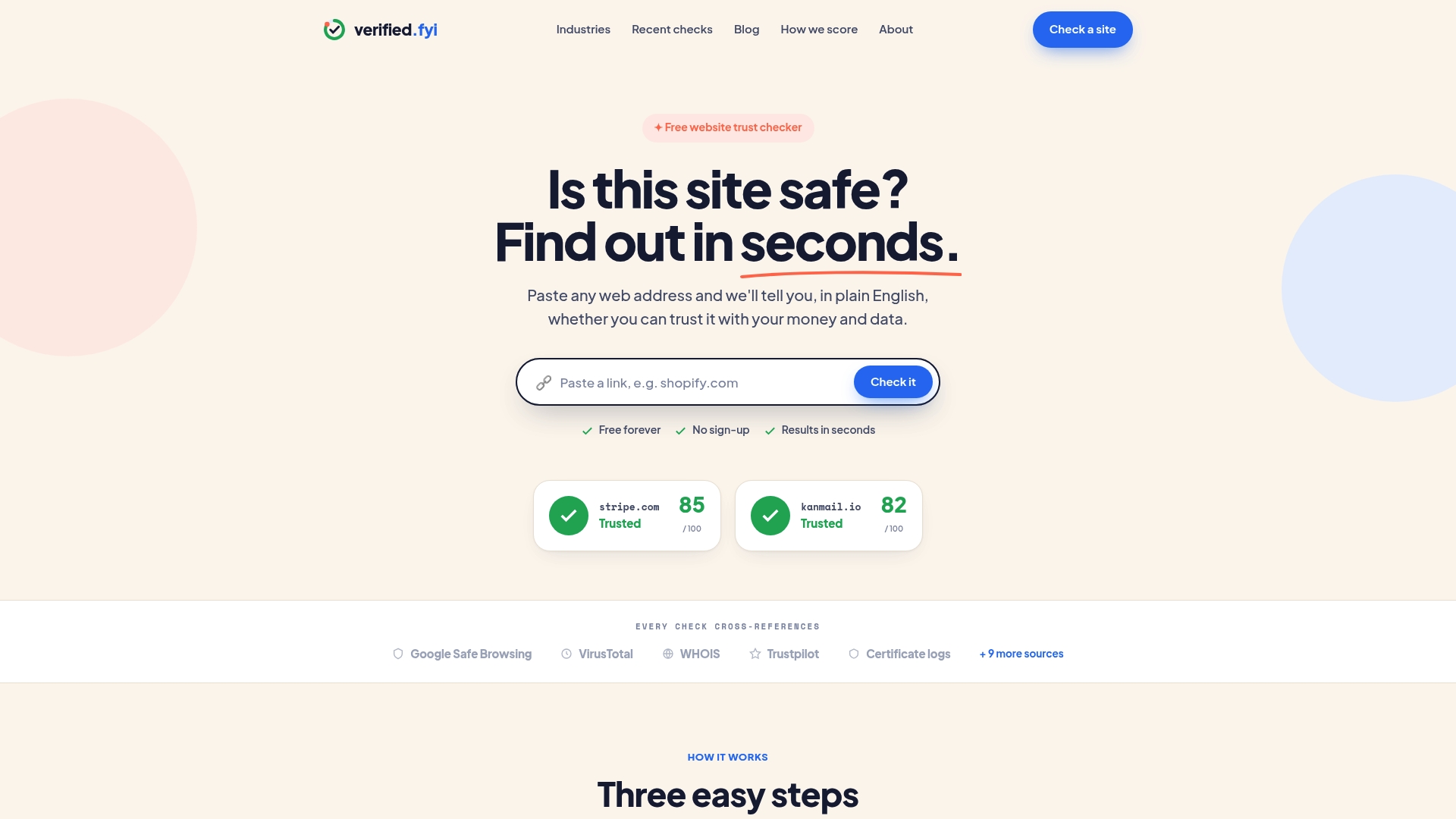
Seeing a trust badge on a website is a starting point, not a final verdict. Verified fyi goes deeper than any badge can. Paste any URL into Verified fyi and get an instant safety score built from over 200 security and reputation signals. The platform uses AI to weigh those signals and deliver a clear, plain-language verdict on whether a site is safe to use. You can see exactly which signals passed and which raised concerns, giving you a complete picture that no single badge or seal can provide. Check any site before you share your data or your money.
FAQ
What is the meaning of a trust badge on a website?
A trust badge is a visual icon that signals a website meets specific standards for security, payment safety, or business credibility. It communicates to visitors that their data and transactions are protected.
Are all website trust badges legitimate?
No. Self-created badges with no clickable verification link carry no real authority. Legitimate trust badges link to a third-party certification page that confirms the site's credentials.
Which trust badge type is most effective for ecommerce?
Policy badges with specific promises, such as "30-day free returns," consistently outperform generic security icons. Specific policy assurances address the actual risks buyers worry about at checkout.
Where should trust badges be placed on a website?
Place badges directly next to payment fields and purchase buttons. That placement intercepts buyer hesitation at its peak and produces the highest conversion lifts.
Can trust badges improve my site's search ranking?
Yes. Trust badges contribute to Google's E-E-A-T signals, which influence organic search rankings. They also improve paid traffic ROI by increasing the conversion rate of visitors who arrive from ads.