
Deciding if a site is safe before sharing personal data or making a purchase is confusing without clear verification. Most free tools either provide little explanation for their score or require registration, making them slow and hard to trust. This comparison lists six website safety scanners that give trust scores, site history, and user signals so you can choose one that best fits your online risk checks.
Table of Contents
verified.fyi
At a Glance
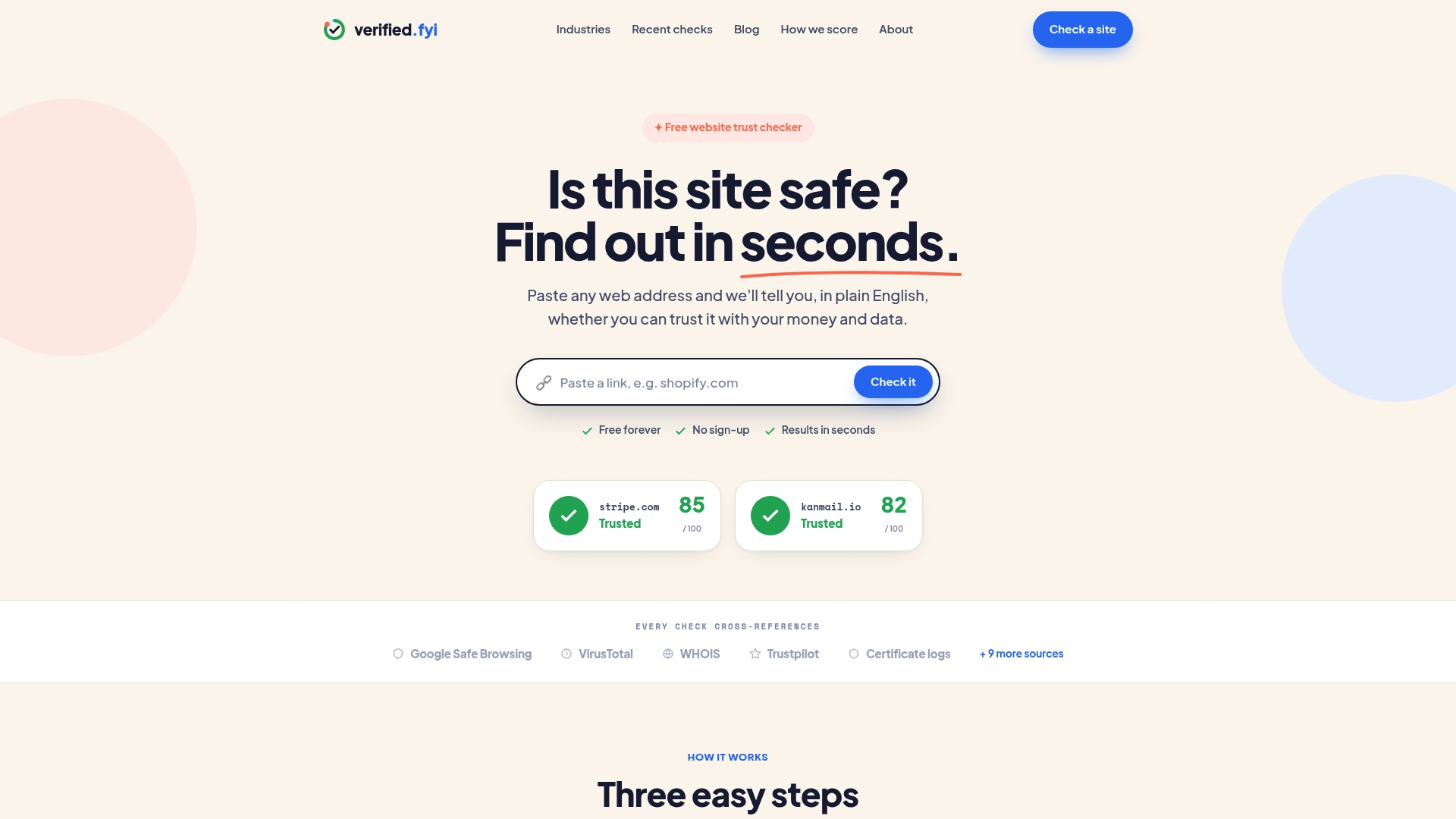
verified.fyi reports it analyzes over 200 signals and produces a trust score from 0 to 100. The service returns an instant verdict with a plain-language explanation and no sign-up. The site was built by a UK team and claims no user tracking or profiling while remaining free to use.
Core Features
The checker cross-references public sources such as Google Safe Browsing, VirusTotal, WHOIS records, Trustpilot entries, and certificate logs to build its assessment. It gives a numeric trust score and a clear plain-language explanation that explains the main risk signals. The tool also offers dynamic trust badges site owners can place to show a live verification badge to visitors.
Key Differentiator
The single distinguishing factor is the service’s use of AI to weight and interpret that large signal set for a concise verdict. That approach aims to reduce noise from isolated alerts and present the most relevant trust factors first. The verdict focuses on security, ownership, reputation, and infrastructure signals rather than subjective content quality.
Pros
The service is free with no paywalls and requires no account. Its methodology is transparent and designed to be independent, which helps when you want an unbiased snapshot. Because the analysis pulls multiple sources and uses AI to prioritize signals, the output tends to separate actionable warnings from minor issues. The plain-language explanation helps you understand why a site scored a certain way and what to watch for.
Cons
- Limited to website trust signals and does not evaluate site content quality or deep legal compliance beyond basic indicators.
Who It's For
If you check unfamiliar sites before sharing personal data or making purchases, this tool fits your needs. Online sellers who want a visible trust cue for visitors will find the dynamic badge useful. Website owners who want a quick verification to show visitors their current trust standing will get fast, shareable output.
Unique Value Proposition
The product’s dynamic trust badges give site owners a live, visible proof point that updates as the site’s score changes. That feature shortens the buyer decision process by showing visitors a current verification without manual reports. Combined with instant checks and plain-language findings, the badges can reduce customer hesitation during checkout.
Real World Use Case
You paste a new store’s URL into the checker before entering payment details. The tool returns an instant trust score, highlights expired certificates or bad WHOIS records, and explains the main risks in plain language. A merchant can then add a badge to their product pages to reflect the same live verification.
Website: https://verified.fyi
VirusTotal
At a Glance
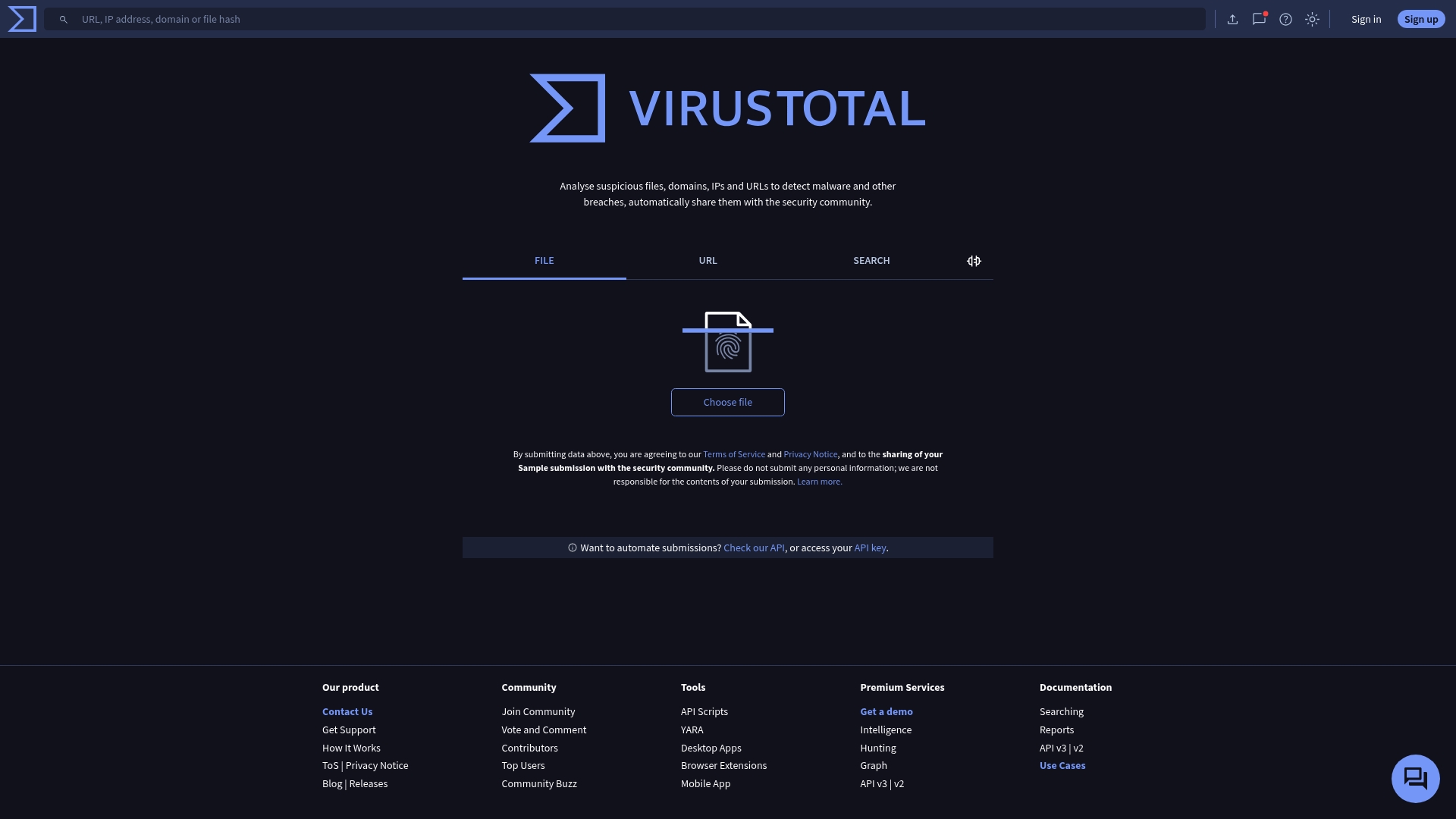
VirusTotal shares detected threats with the security community, to improve global malware detection. The service analyzes suspicious files, domains, IPs, and URLs to spot malware and breaches. It also offers upload tools and an API for automating submissions and lookups.
Core Features
VirusTotal performs file analysis and URL analysis to flag known malware and suspicious indicators. It shares results with a community of security contributors and allows automated queries via the API. These capabilities let analysts correlate multiple signals from files, domains, and IP addresses in one place.
Key Differentiator
The platform centers on community-driven threat intelligence sharing, which lets researchers and security teams exchange indicators of compromise. That open exchange helps surface new threats faster than closed systems. The emphasis on shared detection data is the feature that most clearly separates VirusTotal from single-organization scanners.
Pros
VirusTotal enables fast, multi-signal malware checks that fit into analyst workflows. Community sharing improves collective detection and gives analysts context from other contributors. The platform provides an API for automation and integration, and the public service is available at no cost for individual use.
Cons
- Limited detailed feature documentation is available from the public content.
- User reviews and independent third-party evaluations are not included in the source material.
- Requires cookies to be enabled for full site functionality.
- API and advanced workflows may need extra setup or scripting before they integrate with existing tooling.
When It May Not Fit
If your organization blocks cookies for compliance reasons, VirusTotal will not work fully without policy changes. Teams needing an on-premise, offline scanner should look elsewhere because the public service relies on cloud uploads. If you require independent third-party evaluations before adoption, those reviews are not provided in the public-facing content.
Who It's For
Security analysts, incident responders, and threat researchers who need quick, community-backed analysis of suspicious files and URLs. Organizations that can enable cookie-based web tools and that want API-driven submissions will get the most value. Smaller teams seeking a free, cloud-based way to enrich threat investigations also match this product.
Real World Use Case
A security team receives a suspicious executable. They upload it to VirusTotal, review aggregated vendor detections and community comments, and then share the indicator set with peers. The team automates future uploads via the API to feed their monitoring system with fresh indicators.
Website: https://virustotal.com
WOT (Web of Trust)
At a Glance
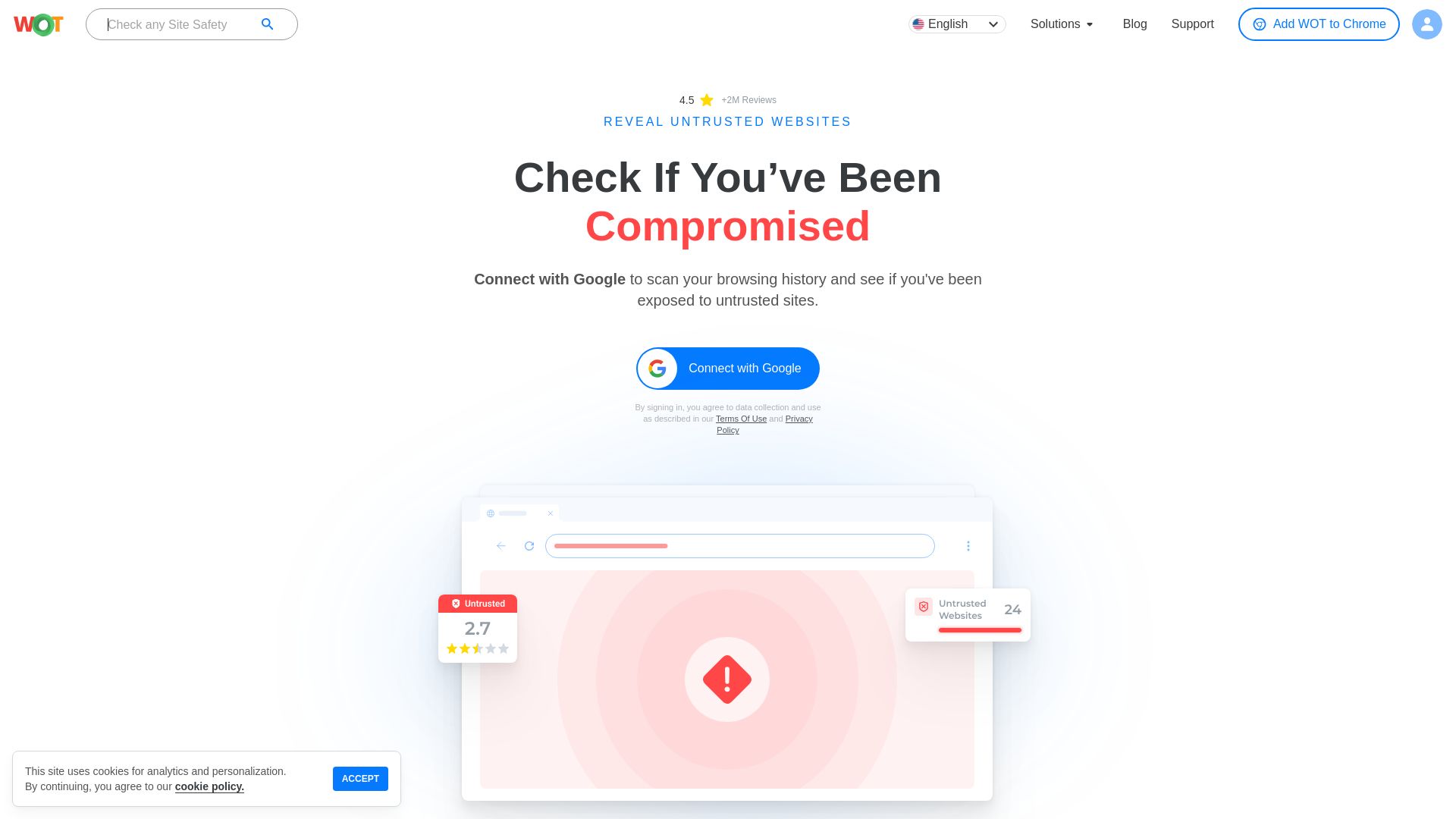
WOT reports over 2 million users. That figure reflects a large community contributing ratings and reviews. The extension pairs community data with machine learning to flag malware, phishing, and adult content in real time.
Core Features
WOT performs real-time website safety checks that combine community ratings and machine learning signals to rate sites and links. It issues malware alerts, blocks phishing pages, and filters adult content automatically for safer browsing on supported browsers and mobile apps. Developers can call the API to embed site reputation checks into apps and services.
Key Differentiator
WOT mixes community driven ratings with automated analysis to produce fast trust assessments. Community input gives context and anecdotal signals while machine learning helps scale those signals across millions of domains. That hybrid approach aims to catch both common scams and more subtle reputation issues.
Pros
That user count supports a dense base of community reviews, which improves the coverage for popular sites. The extension works across multiple browsers and mobile platforms, and the API makes it practical for developers to add reputation checks to workflows. WOT bundles phishing, malware alerts, identity protection, and content filtering in one active toolset.
Cons
-
Some third party reviews raise concerns about data privacy in certain regions, which may affect trust for privacy sensitive people.
-
Community ratings can generate false positives that block legitimate sites and frustrate browsing.
-
The free tier is limited, and premium access is required to reach full API or feature limits.
When It May Not Fit
WOT works best with an active browser extension, so environments without supported browsers get limited protection. Community ratings may be biased or outdated for niche or new sites, which reduces reliability there. Buyers who need full API capacity will need a premium plan to avoid rate limits.
Who It's For
Individual people who want an extra layer of browser safety and families seeking parental controls will find the extension useful. Developers needing a reputation API to vet vendor links or user generated URLs can integrate WOT into apps. Small teams that rely on community signals for quick trust checks will gain the most benefit.
Real World Use Case
A family installs the extension on home computers to block adult sites and flag malware links before a child clicks them. An online retailer uses the API to verify vendor websites before listing partners. In both cases the combination of community notes and automated checks supplies quick, actionable signals.
Pricing
Premium plans start at $39/month for 10K API calls, with higher tiers available for larger volumes. The product offers a limited free tier for basic extension use, while full API access and advanced features require subscription billing.
Website: https://mywot.com
urlscan.io
At a Glance
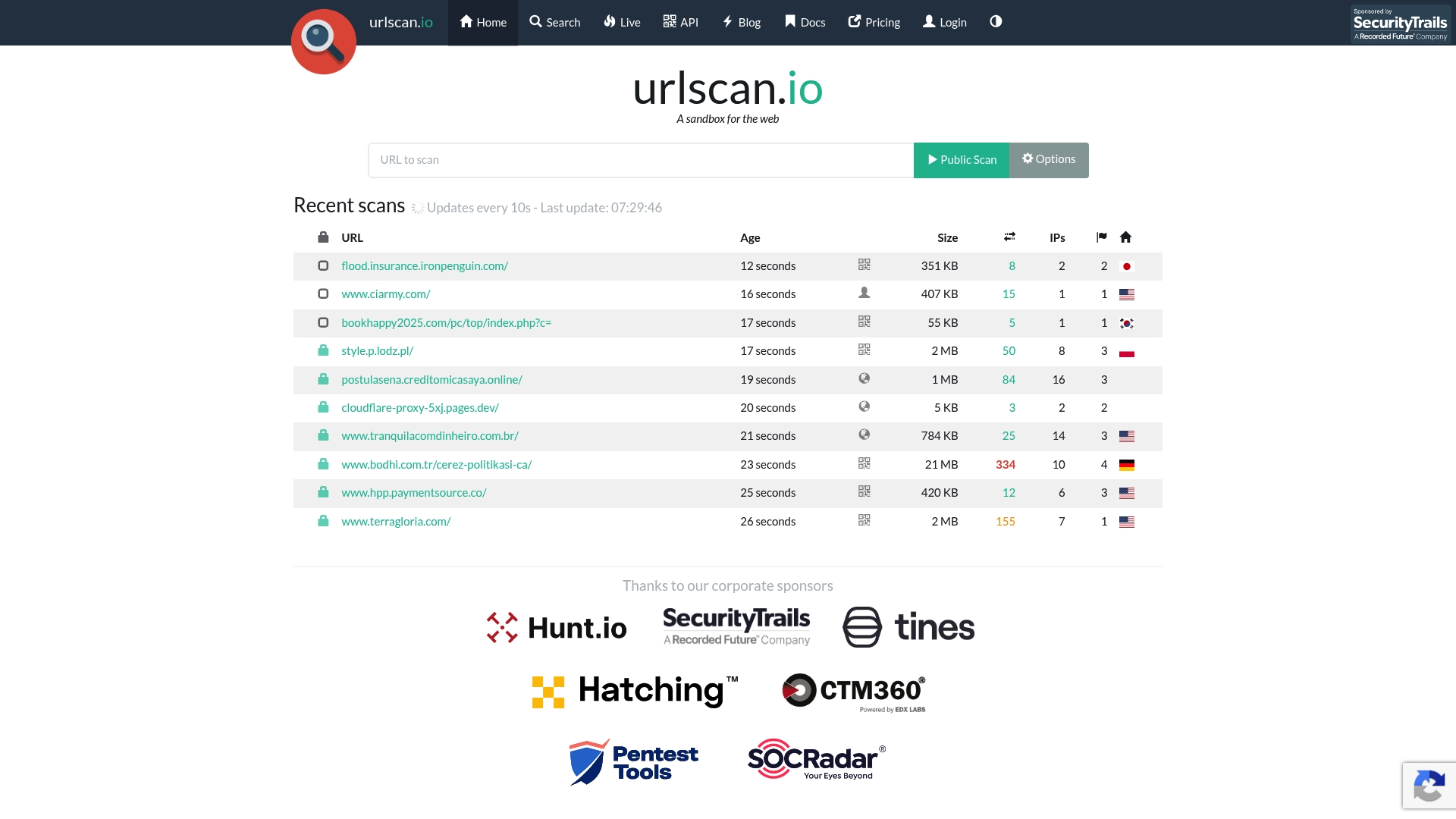
You can run scans from different countries and set the user agent for each request. The platform supports public, unlisted, and private visibility levels for scans. That mix of geo options and privacy settings pairs with API access for automated workflows.
Core Features
Automated browsing captures domains contacted, resources requested, and JavaScript execution while producing screen captures and DOM snapshots for each scan. The service offers API access for submissions and results retrieval and stores searchable historical scan data with visual and structure similarity search options. Advanced filters and field-level queries let analysts hunt for recurring indicators across scans.
Key Differentiator
The standout trait is a privacy-configurable sandbox that combines detailed behavioral recording with full API control. That design helps teams integrate scans into incident workflows while keeping sensitive investigations unlisted or private.
Pros
Urlscan.io delivers point-in-time, detailed data about page behavior, which helps you trace contacted domains and loaded scripts quickly. The API access model supports automated submissions, bulk retrieval, and integration into existing threat pipelines. Privacy levels let analysts hide sensitive scans from the community while geographic origin options support geo-specific testing and attribution. Integrations and detection signatures extend the platform's ability to surface technologies and suspicious behaviors.
Cons
- Some scans may produce no stored screenshots or DOM snapshots if a page appears empty or fails to load resources. This can leave gaps in visual evidence.
- Search and visibility for private and unlisted scans are limited to authorized accounts, which reduces community discoverability. This affects collaborative threat hunting.
- Reliance on headless browsing means some real user interactions and timing issues will not be perfectly reproduced. That limits exact behavioral parity with full browsers.
When It May Not Fit
If you require guaranteed screenshots and DOM captures for every target, this tool may fall short. If your team depends on broad community discovery of unlisted scans, limited visibility will be a constraint. If you must reproduce every browser nuance for user interaction testing, headless-based results may not match a full browser session.
Notable Integrations
- Palo Alto Networks
- Cortex XSOAR
- Demisto
- FireEye
- Splunk
- ThreatConnect
- Anomali
- Exabeam
Who It's For
Security analysts, incident responders, and threat researchers who need detailed website behavioral analysis will get the most value. Enterprise SOC teams that ingest external intelligence via APIs will use the automation capabilities. Smaller teams that need simple visual records but not deep API work may find the platform more technical than necessary.
Real World Use Case
A cybersecurity team automates submissions of suspicious URLs from enterprise logs into urlscan.io via the API. Analysts extract contacted domains, inline scripts, and third party resources. That intelligence then feeds detection rules and informs containment actions.
Website: https://urlscan.io
ScamAdviser

At a Glance
According to the company, ScamAdviser reports over 113 million webpages and 11.2 million scam websites in its database. This scale supports a public, community-driven system for flagging suspicious sites and sharing scam alerts. The site mixes site checks, user reports, and trend articles to help people decide whether a website looks trustworthy. Quick checks work well for before-you-buy verification.
Core Features
ScamAdviser offers a quick scam site check that returns a trust signal based on its records and user reports. It also accepts direct reports, runs a Scam IQ Test for basic scam literacy, and publishes educational articles on emerging scam trends. Real-time scam alerts and trend analysis highlight new scam waves and notable threat patterns for the community and organizations.
Key Differentiator
The vendor advertises the largest scam database combined with community reporting and real-time trend analysis. That combination aims to spot patterns faster than single-source lists by using many public reports and historical records. For people and teams watching for new scam waves, that focus concentrates community signals into visible alerts.
Pros
That large database gives breadth when you need a quick check of a site’s history and reputation. Community-driven reporting brings real user submissions and reviews, which can catch fraud patterns mainstream detectors miss. The platform offers research value for organizations through data services and maintains regular trend updates and scam-wave warnings for readers.
Cons
- Limited detailed feature set for individual members beyond checking sites and submitting reports. The site does not offer advanced case tracking for long investigations.
- Some pages and features are currently unavailable or under maintenance, which can interrupt checks or reporting flows. That intermittent downtime reduces reliability for time-sensitive cases.
- Limited transparency on how the detection algorithm scores sites, which makes it hard to validate false positives or tune alerts for specific risk tolerances.
When It May Not Fit
If you need email phishing analysis or deep forensic case work, this platform focuses mainly on website fraud and may not cover other scam vectors thoroughly. Teams that require full incident management and evidence chains will find the reporting tools lightweight. Organizations needing cryptographic proof or audit trails for legal cases will need a complementary tool.
Who It's For
People worried about website safety, online shoppers, and investigators who rely on public reporting will find value here. Cybersecurity professionals and fraud teams can use the site for quick lookups and trend spotting. Smaller teams that lack an internal fraud feed may use ScamAdviser as a public early-warning source.
Real World Use Case
A shopper spots a deal that looks too good to be true. They run the site through ScamAdviser, read the community reports, and check recent trend alerts before entering payment details. If multiple reports appear, the shopper reports the site and consults the trend articles to see whether similar scams are active.
Website: https://scamadviser.com
Straja
At a Glance
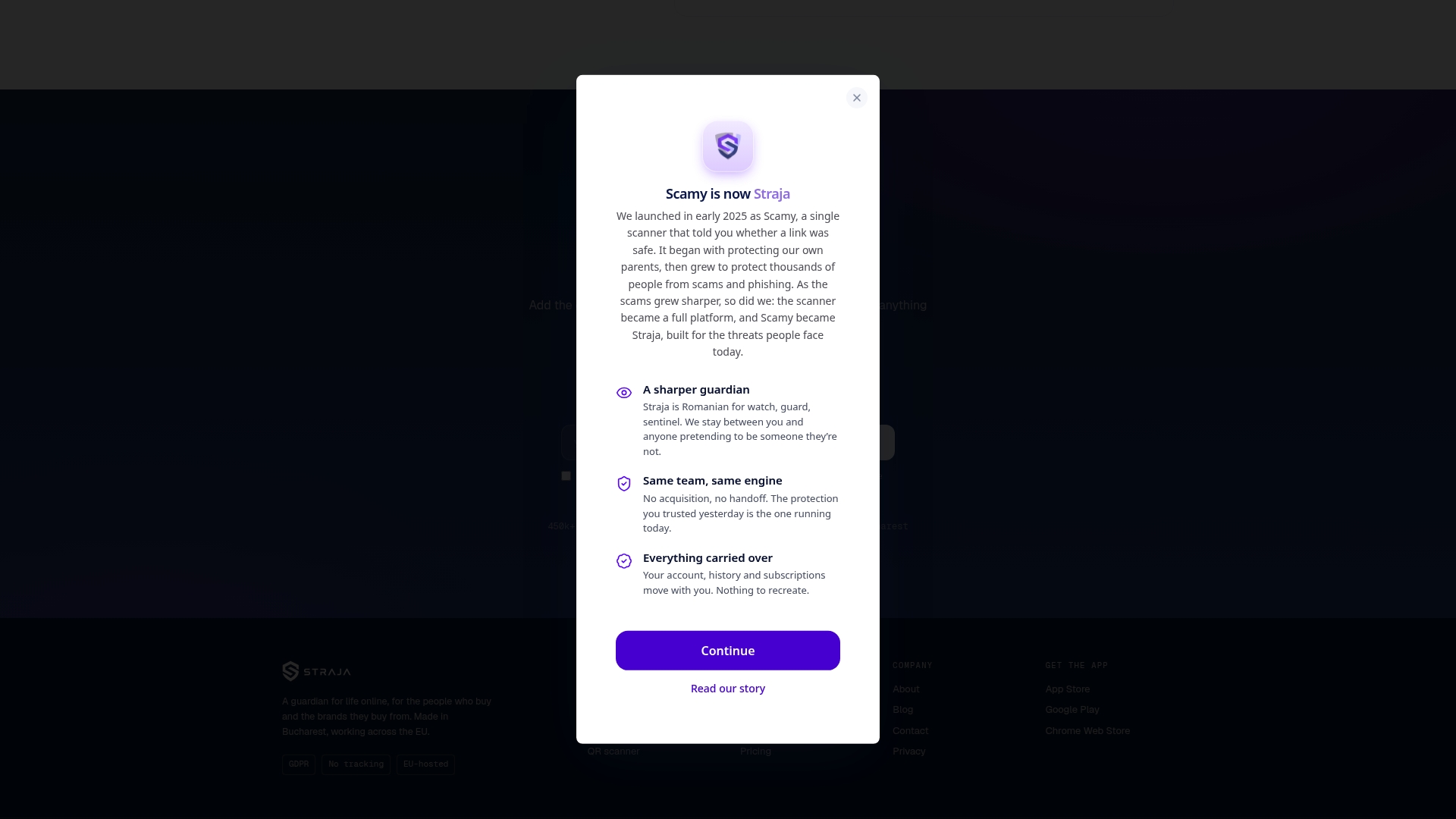
Straja reports a 98% detection rate for scam and phishing signals. The vendor pairs AI models with a community driven reporting database to spot new scams quickly. The product focuses on URL and domain reputation rather than harvesting personal data. The service runs EU hosted infrastructure and operates without access to user accounts or personal identifiers.
Core Features
Straja delivers real-time website protection via a browser extension and AI powered phishing email analysis that flags suspicious messages before you click links. It provides continuous breach monitoring and a searchable breach database to spot exposed domains and credentials. Mobile tools include a QR code scanner and in app scam alerts, while community reports feed the shared database to speed identification of fresh threats.
Key Differentiator
Straja combines automated detection with human signals from its community to warn about unseen scams before they spread widely. That mix of AI and community input prioritizes early warning on URLs and merchant reputation. The combination suits teams that want quick, evidence based alerts for links and emails.
Pros
The product emphasizes privacy by operating without access to personal accounts or tracked identities, which appeals to privacy conscious users. The detection claim and community reporting model give broad coverage across web, email, and QR vectors. Integration is straightforward on browsers and mobile, and the breach monitoring helps surface compromised domains tied to merchant or account fraud.
Cons
- Limited scope: the product focuses on scams and phishing rather than full endpoint protection or antivirus solutions.
- Feature gaps: SMS and call protection are listed as upcoming and are not yet available.
- Not a catch all: the vendor states there is no guaranteed 100% prevention, so false negatives remain possible.
- Narrow replacement: Straja does not replace traditional security suites that scan for malware binaries.
When It May Not Fit
Organizations needing a full endpoint antivirus tool and host based malware scanning will need an additional product. If you require SMS and call blocking now, Straja is not a complete fit because those features are forthcoming. Teams that want a single vendor to cover every attack vector should plan for complementary tools.
Who It's For
Privacy conscious individuals who want a low friction browser and mobile layer to block scams will appreciate the design. Banks and financial institutions can use it for proactive merchant and URL verification at transaction time. Security teams in the EU that prefer a privacy first, EU hosted service will find it suitable.
Real World Use Case
According to the vendor, an EU based bank integrated Straja to verify merchant legitimacy during online transactions and reduced scam related losses by 35%. The bank used real time URL checks and merchant reputation signals to block suspicious payments before settlement. That implementation shows how URL and breach signals can work inside payment flows.
Pricing
A free tier covers basic protection and community alerts for casual users. The Pro plan costs €7.79/month when billed annually and adds unlimited checks plus priority support. Enterprise pricing is available for institutional deployments and includes tailored monitoring and integration options.
Website: https://scamy.io
Comparison of alternatives
Trust evaluation tools offer varied approaches to analyzing websites, ranging from community-driven platforms to systems integrating artificial intelligence.
Feature Transparency and Scope of Integration
verified.fyi uniquely provides an instant trust score based on AI-driven analysis of signals, including WHOIS and certificate status, emphasizing transparency with no required registration. In comparison, VirusTotal excels in detecting malware collaboratively utilizing multiple data streams via API access, particularly valuable for security teams automating submissions. While Straja combines breach monitoring with targeted QR code analysis and ScamAdviser employs the broadest scam reporting database, only verified.fyi integrates dynamic trust badge updates for real-time visitor assurance.
Privacy Features and Community Input Reliance
Straja prioritizes EU-hosted privacy infrastructure with no user identity tracking, suiting those sensitive to data management policies. Meanwhile, WOT’s hybrid trust ratings blend community feedback with automated checks, offering anecdotal insights that might complement large-scale monitoring but risk bias. Urlscan.io offers private investigation settings which shield sensitive scans, catering especially to detailed forensic workflows.
Best fit
- Online merchants displaying instant verification badges will benefit from verified.fyi for its streamlined setup and real-time score updates.
- Security analysts utilizing community-shared threat intelligence find VirusTotal valuable due to versatile API integration and collaborative data enhancement.
- Parents adding browser safety tools for children may prefer WOT’s real-time protection against unsafe content in family systems.
- Organizations needing geographic-specific analysis for targeted investigations find urlscan.io indispensable, given its geo-origin capabilities and dynamic behavior tracing in secure environments.
Our pick
verified.fyi stands out for readers prioritizing accessible, quick website trust checks coupled with shareable score indicators like dynamic badges. This tool excels in providing clarity, automating multi-signal assessments, and presenting improvements directly. However, those needing malware-specific intelligence exchange or forensic web behavior analysis might prefer VirusTotal or urlscan.io respectively.
The following table compares several website safety and trust assessment tools, highlighting their key functionalities and suitability for various users.
| Product | Core Feature | Key Differentiator | Best For | Notable Limitation |
|---|---|---|---|---|
| Verified fyi | Instant trust score from over 200 signals | AI to summarize and prioritize risks | Individuals checking site trustworthiness | Limited to trust signals, not content quality |
| VirusTotal | Malware analysis for files, URLs, IPs | Community-driven threat detection | Security teams analyzing suspicious files | Requires cookies for full functionality |
| WOT | Real-time site safety with community input | Hybrid of reviews and machine learning | Families needing browser safety | Free tier limited in features |
| urlscan.io | Website behavioral recording with API control | Privacy-configurable scans | Analysts integrating scan data via API workflows | Private scans limit community visibility |
| ScamAdviser | Scam detection from 113 million site records | Largest scam database | People needing quick scam checks | Limited in-depth investigation tools |
| Straja | Browser protection with phishing detection | Privacy-first EU hosted service | Privacy-conscious individuals and institutions | No SMS or phone call protection tools yet |
How to Verify If MediaFire Is Safe Before You Download
When wondering "is MediaFire safe," you need a reliable way to judge unfamiliar sites quickly. The challenge is separating serious red flags from minor alerts without signing up or digging through confusing reports. Verified fyi uses AI to analyze over 200 signals, such as security certificates, WHOIS records, and reputation data, giving you a clear trust score from 0 to 100. This lets you spot risks fast and avoid scams or unsafe sites.
Use Verified fyi to:
- Instantly check any URL, including MediaFire links
- Understand detailed trust scores with plain explanations
- Access live verification badges to see a site’s current safety status
Explore Verified fyi to receive instant insights and make informed decisions before downloading or sharing files from unknown websites.
FAQ
Is Verified fyi suitable for quick website trust assessments?
Verified fyi is ideal for quick website trust assessments, analyzing over 200 signals to provide a trust score from 0 to 100. The tool gives an instant verdict with a clear, plain-language explanation, helping you understand potential risks immediately. You can rely on this instant access to evaluate unfamiliar sites before sharing personal data.
How does URL scan.io compare to Verified fyi?
URL scan.io offers detailed behavioral analysis of websites, capturing contact domains and resources while providing API access for submissions. While URL scan.io excels in capturing intricate details about site behavior, Verified fyi is more suited for quick trust assessments and offers a simplified process without user tracking or sign-up requirements.
Can I use ScamAdviser for tracking scams effectively?
ScamAdviser focuses on combining user reports with a large scam database to track suspicious sites effectively. The platform excels in providing community-driven insights and real-time scam alerts, making it a strong choice for real-time monitoring. However, for instant assessments and straightforward trust scores, Verified fyi serves as a practical starting point.
What features make a website safety scanner like Verified fyi essential?
Verified fyi's ability to cross-reference multiple public sources ensures a comprehensive and transparent assessment of a website's safety. The tool highlights key risk factors while maintaining ease of use, allowing quick evaluations without the need for extensive technical knowledge.
Does WOT provide community-driven insights like Verified fyi?
WOT combines community ratings with automated analysis to produce safety assessments for sites. Its user-generated content gives context for potential risks, which can be beneficial, though Verified fyi focuses more on immediate trust scoring for quick evaluations without the subjective biases of user ratings.