
Finding a url safety scanner that gives fast, clear verdicts without demanding sign-ups or technical expertise is harder than it sounds. Many services require accounts, hide advanced features behind paid tiers, or rely on community ratings that leave gaps in coverage. You can pick the scanner that matches your need for clarity, easy access, and privacy without trial-and-error across hidden pricing models.
Table of Contents
verified.fyi
At a Glance
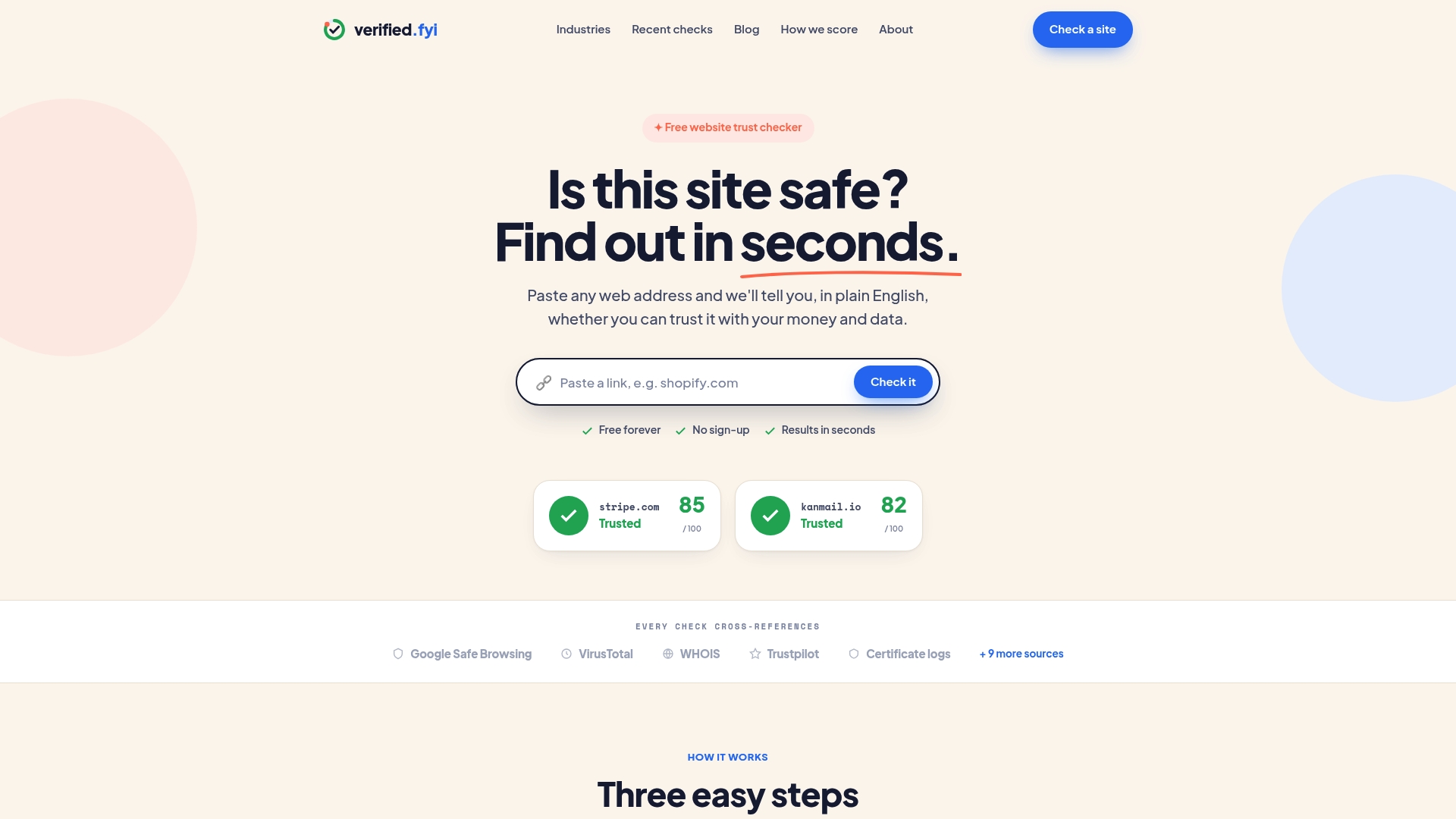
The vendor advertises analysis of 200+ signals and a safety score from 0 to 100 for any pasted URL. Users get an instant, plain-English verdict, so the site also offers trust badges for owners to display. The vendor says it does not track or sell user profiles.
Core Features
The vendor states the service is free and requires no sign-up, letting anyone paste a URL and get a report. Reports cross-reference public data sources and translate technical checks into plain English explanations. Site owners can generate and install a trust badge that shows the score to visitors.
Key Differentiator
The standout feature is the plain-English framing combined with a no-sign-up flow that keeps checks quick and accessible. Those reports draw on the 200+ signals the vendor cites, which the site weights to produce a single trust score. That single-score approach makes decisions fast for nontechnical readers.
Pros
Instant, readable assessments reduce guesswork when you need a quick safety check before visiting or transacting. The free, no-sign-up model above removes onboarding friction for casual visitors and small site owners who want a simple verification step. Trust badges provide a visible signal on checkout pages or blog posts to reassure customers and readers.
Cons
- Limited detail on specific trust signals for advanced users who need in-depth forensic evidence.
Who It's For
Website owners who want a visible trust signal for customers and who prefer a quick setup without accounts. Individual visitors who want a fast, readable check before sharing data or making purchases. Content creators who verify affiliate sites before promotion will also find the plain-English output useful.
Unique Value Proposition
Trust badges that display the vendor's 0 to 100 score let you add a verification layer to an existing site without a registration step. That reduces friction for small stores that cannot justify specialized security tooling. For visitors, the short, plain-English verdict replaces trial and error when deciding whether to enter personal information.
Real World Use Case
A small online store owner pastes their checkout page URL, confirms a favorable score, and adds the badge to the checkout page. Customers see the badge and the short explanation during purchase. The owner reports fewer abandoned carts after adding a visible trust cue.
Website: https://verified.fyi
Gridinsoft
At a Glance
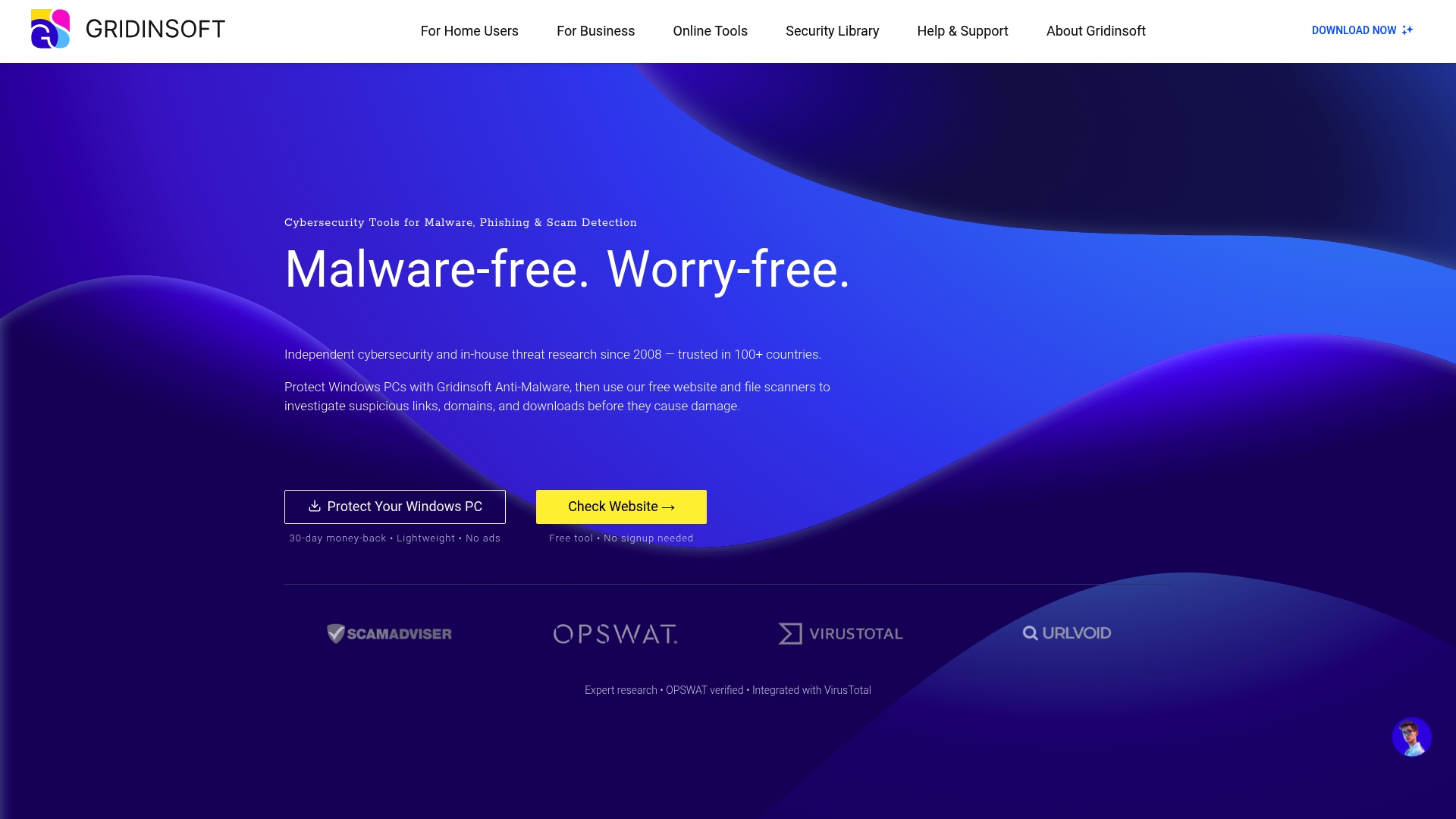
Portable tools let you run offline incident response from removable media. This same toolkit combines desktop cleaners for Windows and Android with online scanning. Users who need quick on the fly remediation often cite the portable toolset.
Core Features
Gridinsoft bundles malware detection and removal for Windows and Android with online scanning and reputation checks for URLs and domains. It uses AI powered threat detection and maintains real time updates to its threat database, and it also offers API integration for developer workflows.
Key Differentiator
The product’s main distinction is its focus on adaptive detection models paired with a privacy forward policy. That combination aims to reduce false positives while keeping user telemetry minimal.
Pros
Protection covers both individual and business environments with tools for cleanup, scheduled scans, and incident response. The detection engine pairs machine learning models with a large threat database, which supports faster detection and fewer false alerts. Mobile and portable utilities come with free options and no intrusive ads, and developer APIs let security teams automate scanning and analysis.
Cons
- Premium features and full licenses require purchase. This means advanced capabilities are behind paid tiers.
- Some advanced features need technical knowledge to configure and use effectively. Less technical users may need support.
- Effectiveness depends on update frequency and the breadth of the threat database. Coverage gaps reduce protection.
When It May Not Fit
If you need every feature without paying then this will feel limited. Organizations that cannot accept periodic update windows for threat intelligence should look elsewhere. Teams requiring deep on premise management consoles are better served by a different vendor.
Notable Integrations
Gridinsoft connects to external threat intelligence tools to enrich scans. The platform lists integrations with:
- VirusTotal
- OPSWAT
Who It's For
Security conscious individuals who want practical cleanup tools will find this useful. IT professionals and small security teams can use the API and portable utilities for incident work. Organizations that need scalable detection with developer hooks will also benefit.
Real World Use Case
A security team integrates Gridinsoft’s API into its monitoring stack to auto scan new URLs and uploaded files. That workflow reduces investigation time and lowers false positives in the triage queue. Portable scanners then help clean compromised endpoints during incident response.
Pricing
Pricing varies by product and license type and depends on whether you choose single device, business, or API licensing. The vendor posts plan comparisons and subscription details on the site for specific cost figures.
Website: https://gridinsoft.com
WOT (Web of Trust)
At a Glance
WOT reports premium plans start at $39/month for 10K API calls. Community ratings drive site reputations and feed machine learning models that flag risky pages. The service runs across browser extensions, mobile apps, and an API to deliver instant safety warnings while you browse.
Core Features
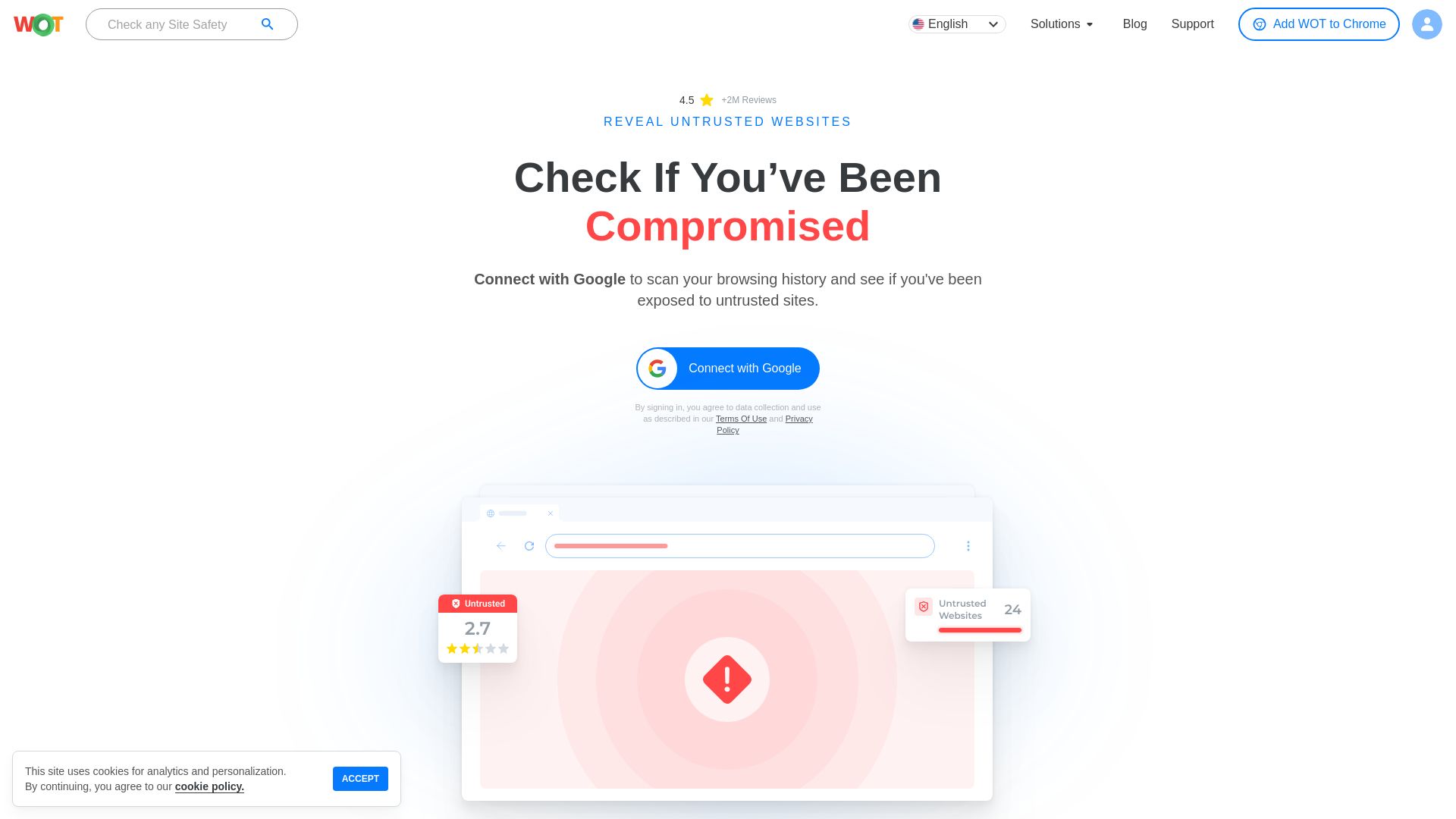
WOT collects community ratings and written reviews to produce site reputation signals and visible trust indicators in the browser. It performs real time safety checks and issues warnings for malware, phishing, and scam pages while also applying automatic blacklists. The platform offers adult content filtering, safe shopping protection, and an API for developers to query domain risk programmatically.
Key Differentiator
WOT pairs community driven ratings with machine learning to produce fast, crowd informed warnings that appear in the browser. That hybrid approach favors clear, human readable verdicts shaped by other users. It works best for people who want quick community feedback rather than deep signal weighting or custom scoring rules.
Pros
Strong community contributions improve the relevance of many site reputations, and community reviews add context beyond a simple score. Support for browser extensions, mobile apps, and an API makes it flexible for personal use and light integrations. Real time warnings and automatic blacklists reduce the chance of landing on a malicious or phishing page during routine browsing. The interface shows instant safety information that most people can read and act on without a technical background.
Cons
- Reliance on community ratings can produce false positives or negatives when participation is thin in a language or region.
- Accuracy depends on active community engagement, which varies by site and topic.
- Limited customization options may frustrate advanced users who want granular scoring controls.
- Privacy concerns arise from data collection and sharing practices described in the vendor policy.
When It May Not Fit
WOT is a weak choice for organizations that require strict privacy controls or that cannot send browsing signals to a third party. It also falls short for users who need highly configurable scoring or for sites with low community visibility where ratings lag. Enterprises that demand formal audit trails and granular controls should look for an alternative with those governance features.
Who It's For
Individuals and families who want visible safety warnings in the browser and easy adult content filtering will find this useful. Developers who need a quick domain reputation check can use the API for light integrations. Small and medium businesses that accept some third party data sharing and want basic reputation signals may consider it for risk screening.
Real World Use Case
A person installs the browser extension and sees an immediate warning before entering a suspected phishing site, avoiding credential theft. A developer calls the API to tag new customer domains with a simple trust flag before onboarding them into a SaaS product. Community reviews then refine the reputation over time as more users rate the domain.
Pricing
The base service is free to use in browser extensions and apps. Those tiers list $39/month for 10K API calls, $199/month for 100K API calls, and custom enterprise solutions for larger needs. The vendor offers custom enterprise pricing for high volume or specialized contracts.
Website: https://mywot.com
Comparison of alternatives
When evaluating URL safety scanners, accessibility and ease of use remain primary considerations for many users. In this domain, three contenders—verified.fyi, Gridinsoft, and WOT—offer distinct benefits tailored to varying requirements, making it crucial to understand their differentiators.
Simplified verification versus advanced forensic tools
Verified.fyi exceeds expectations in providing accessibility for casual users. The no-signup model and instant trust scores simplify URL checks for those needing quick safety determinations. In contrast, Gridinsoft focuses on detailed malware detection and remediation capabilities suitable for IT teams or organizations responding to security threats. This sophistication caters to users prioritizing depth of analysis over ease of setup.
Individual user insights versus professional tools
WOT incorporates user-derived reviews into its reputation scoring, amplifying the collective intelligence from its community. This approach shines for users desiring enrichment from varied crowd-reviews and want straightforward safety indicators. However, if central utility lies in portable forensic aids, Gridinsoft becomes indispensable.
Best fit
- For users prioritizing easy access and a quick understanding of URL safety: verified.fyi delivers a plain-English reporting model free of complexity or cost barriers.
- For IT professionals or organizations managing endpoints and requiring portable malware tools: Gridinsoft offers incident-response solutions not found in accessible tools.
- For those valuing involvement in community-supported analysis for online browsing safety: WOT extends collective insights and collaboration.
Our pick
Verified.fyi stands as the choice for users prioritizing a fast, clear, and cost-free safety check with minimal onboarding steps. This solution excels when immediate, interpretable insights into URL reliability are.
Evaluating options among URL safety scanners often hinges on their core features and suitability to different user needs.
| Product | Core Features | Best For | Pricing | Notable Limitation |
|---|---|---|---|---|
| Verified fyi | Analysis of 200+ signals with plain-English reports | Website owners seeking quick safety verification | Free | Limited detail on specific trust signals |
| Gridinsoft | Malware detection for Windows and Android | IT professionals requiring cleanup tools | Price not published | Certain features require technical expertise |
| WOT | Community ratings with machine learning | Families needing visible browser safety warnings | Free (base), $39+/month | Dependence on community engagement |
What Challenges Do SpoofGuard.io Alternatives Address for Website Safety?
SpoofGuard.io alternatives often focus on helping you decide quickly if a website deserves your trust. The key challenge lies in identifying trustworthy sites without complex reports or long sign-ups. Verified fyi stands out by analyzing over 200 security and reputation signals with AI, delivering a clear trust score from 0 to 100. This lets individuals and website owners get an immediate, easy-to-understand safety verdict.
If you want to reduce uncertainty before transacting or sharing information online, Verified fyi offers a simple solution. It provides a free, no-sign-up check and trust badges site owners can display to reassure visitors. Visit Verified fyi to get instant insights on any URL. Use this tool today to make confident decisions backed by trusted data.
Check site trustworthiness now
FAQ
How does Verified fyi generate safety scores for URLs?
Verified fyi offers a safety score from 0 to 100 based on analysis of over 200 signals. The platform cross-references public data sources and translates technical checks into plain English explanations, allowing users to quickly assess website safety. By using Verified fyi, you can make informed decisions before visiting or sharing data on a site.
What is the difference between WOT and Verified fyi?
WOT excels in community-driven ratings, producing site reputations based on user feedback and reviews. While it provides a great immediate safety check through its browser extensions, Verified fyi generates a clear safety score based on technical analysis, making it better suited for users who need quick, precise assessments without community influence. This distinction makes Verified fyi a reliable option for those prioritizing swift safety evaluations.
Can I use Verified fyi for quick safety checks before making online purchases?
Yes, Verified fyi is designed to provide instant, readable assessments that help you decide if a website is safe for transactions. Its simplified reports mean that you can trust the service during your online activities. Expect to have confidence in your decisions with Verified fyi’s straightforward outputs.
What is a key benefit of using Gridinsoft compared to Verified fyi?
Gridinsoft offers portable tools that allow for offline incident response, which is beneficial for users needing immediate cleanup during an incident without an internet connection. While Verified fyi focuses on URL safety scoring, Gridinsoft’s strength lies in its adaptability for incident management, providing users with different needs a viable alternative.
How can I enhance my website's credibility with Verified fyi?
You can install the Verified fyi trust badge on your site, which shows visitors your safety score. This visible cue informs potential customers about your site's reliability and can reduce cart abandonment rates. Adding this badge can encourage user trust through transparency.