TL;DR:
- SafeSearch filters explicit search results but does not prevent children from accessing harmful content through direct links or apps. Combining SafeSearch with parental controls, network enforcement, and ongoing conversations creates stronger online protection. Regular testing and reviews help ensure filters remain effective over time.
SafeSearch is a content-filtering feature built into search engines that automatically removes explicit images, videos, and websites from search results before your child ever sees them. Google SafeSearch is the most widely used version, covering categories like pornography, graphic violence, and other adult material. The role of safe search in child protection is real and measurable, but it works best as one layer in a broader strategy. Combining search engine filtering for kids with parental controls, open conversations, and site verification tools gives children the strongest protection available online.
How does SafeSearch work to filter explicit content?
SafeSearch filters or hides explicit search results like pornography and graphic violence, but it only applies to what appears in search results. It does not block a child from typing a direct URL into a browser or accessing harmful content through a separate app. That distinction matters more than most parents realize.
Here is what SafeSearch actually filters when activated:
- Explicit images and video thumbnails in search results
- Websites flagged as adult content in the search index
- Autocomplete suggestions that predict explicit queries
- Graphic violence in image and video search tabs
You activate SafeSearch through your child's Google account settings or directly on their device. The stronger setup is a managed account, where you lock the SafeSearch setting so your child cannot toggle it off. Schools and home networks can also enforce SafeSearch at the network level, which prevents any user on that network from disabling it. That network-level enforcement is significantly more reliable than leaving the setting up to the individual user.
Pro Tip: Run a few test searches on your child's device using terms that might accidentally surface adult content. If SafeSearch is working correctly, those results will be filtered or replaced with a notice. This takes two minutes and confirms the setting is actually active.

What are the limitations of SafeSearch for protecting children?
SafeSearch is not a complete solution. Parental controls and search filters can be bypassed, and tech-savvy children or bad actors can find workarounds. Treating SafeSearch as foolproof is the most common mistake parents make.
The core limitations include:
- SafeSearch does not filter content accessed through direct links shared via text, email, or social media
- It has no effect on YouTube, TikTok, Instagram, or any other app with its own content system
- Private messaging platforms are completely outside its reach
- A child using a different browser or a private browsing window may bypass the filter entirely
Content filters can also over-block, mistakenly hiding legitimate health, science, or news content. That means your child might not find accurate information about puberty or medical topics because the filter flagged the keywords. Adjusting filter sensitivity and reviewing what gets blocked is part of responsible use, not a one-time setup task.
Regulatory standards are tightening. Australian eSafety rules taking effect by june 2026 require search providers to blur thumbnails and restrict explicit autocomplete for users under 18. Even under those rules, filtered results may still be clickable. Regulation raises the floor but does not close every gap.
Pro Tip: Check your child's SafeSearch settings every few months. App updates and account changes can reset preferences without warning.
Which tools and strategies work alongside SafeSearch?
The FTC advises parents to pair parental controls with SafeSearch and to reinforce both with direct conversations about online expectations. No single tool covers every surface. A layered approach closes the gaps that SafeSearch leaves open.
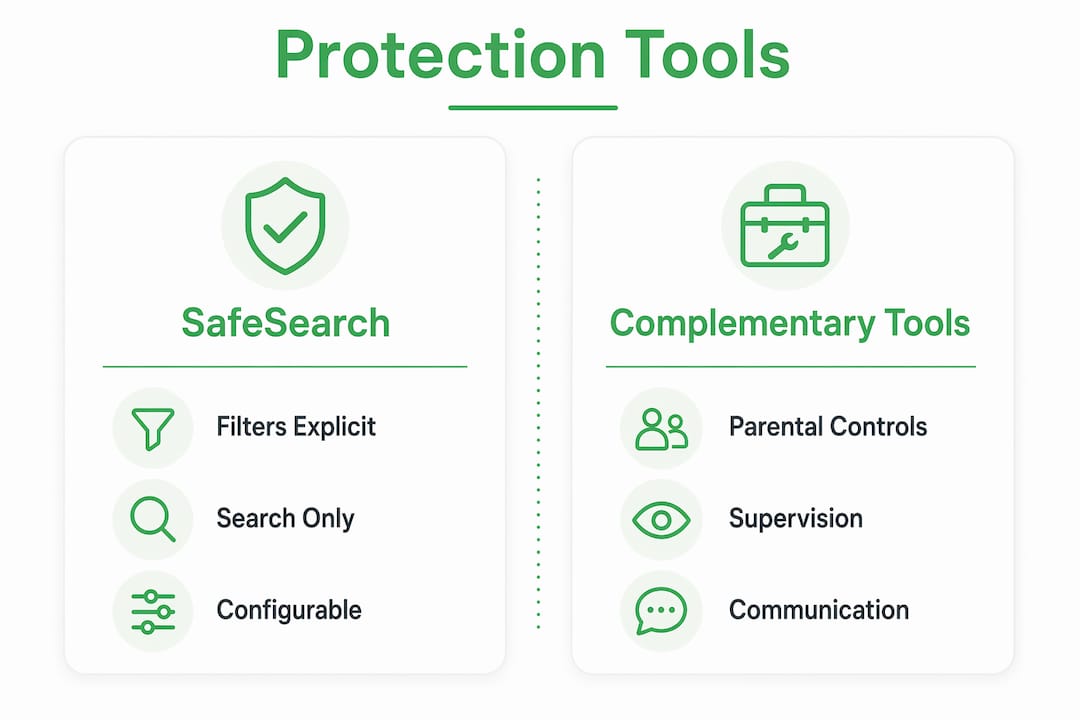
The eSafety Commissioner recommends combining filtering with supervision and age-appropriate guidance, because children may still encounter unintended content even with filters active. The goal is not a perfect technical barrier. The goal is a child who knows what to do when something unexpected appears.
| Tool | What it covers | What it misses |
|---|---|---|
| SafeSearch | Explicit search results on configured engine | Direct links, apps, other browsers |
| Device parental controls | App access, screen time, content ratings | Content within allowed apps |
| Network-level filtering | All traffic on home or school Wi-Fi | Mobile data connections |
| Kid-safe search engines | Curated, child-appropriate results only | Broader research needs |
| Parental supervision | Real-time awareness of online activity | Moments when parent is unavailable |
Kid-safe search engines like Kiddle offer an alternative for younger children who do not need access to the full web. For older children, Google SafeSearch combined with device-level controls and regular check-ins covers more ground. You can also review trusted search engines to compare which platforms offer the strongest built-in protections for minors.
How can parents implement SafeSearch and maintain protection over time?
Activating SafeSearch is a five-minute task. Keeping it effective over months and years requires a consistent routine. Follow these steps to set up and maintain filtering for your child.
- Create or access your child's Google account. Go to account settings and navigate to Search Settings. Turn SafeSearch on and save.
- Lock the setting. In Google Family Link, you can manage SafeSearch remotely and prevent your child from changing it. Set this up before handing the device back.
- Enable device-level parental controls. On iOS, use Screen Time. On Android, use Google Family Link. Both let you restrict app downloads and content categories beyond what SafeSearch covers.
- Set network-level enforcement at home. Many home routers support DNS-based filtering. Services like Google Family Wi-Fi or your router's parental control settings can apply SafeSearch across every device on your network.
- Test the filters monthly. Run a few searches using terms that might accidentally surface adult content. Confirm the filter is still active and working as expected.
- Review what gets blocked. If your child reports they cannot find legitimate information, check whether the filter is over-blocking. Adjust settings and explain to your child why certain content is restricted.
The eSafety Commissioner's guidance is clear: filtering tools work best when paired with open conversations. A child who understands why certain content is filtered is more likely to come to you when something slips through.
Pro Tip: Involve your child in setting up safety rules. Ask them what they think should be off-limits and why. Children who participate in the conversation are more likely to follow the boundaries and less likely to look for workarounds.
Key takeaways
Safe search in child protection works as a first-line filter, but it requires parental controls, network enforcement, and ongoing conversations to provide real, lasting protection.
| Point | Details |
|---|---|
| SafeSearch filters search results only | It does not block direct links, apps, or content on social media platforms. |
| Network-level enforcement is strongest | Locking SafeSearch at the router or device policy level prevents children from disabling it. |
| Filters can over-block legitimate content | Review blocked results regularly to avoid restricting health, science, or news information. |
| Layered tools close the gaps | Combine SafeSearch with device parental controls, kid-safe search engines, and supervision. |
| Conversation is non-negotiable | Children who understand online risks are better equipped to respond when filters miss something. |
What I've learned about SafeSearch after years of watching parents rely on it
Parents consistently overestimate what SafeSearch does. They turn it on, feel relieved, and move on. That relief is understandable. The problem is that SafeSearch only controls one surface: what appears in a search results page on one configured engine. The moment a child gets a link from a friend, opens a different browser, or switches to mobile data away from the home network, the filter is irrelevant.
The parents I've seen handle this well treat SafeSearch the way they treat a smoke detector. It is a useful early warning system, not a fireproof room. They test it, they check it after updates, and they never assume it is doing more than it actually does. They also talk to their kids. Not once, not as a lecture, but as an ongoing conversation that evolves as the child gets older and the internet changes around them.
The misconception that parental controls are unbreakable leads directly to complacency. SafeSearch reduces exposure. It does not eliminate risk. The parents who understand that distinction are the ones building real digital safety habits in their children, not just checking a settings box.
— Nick
Verified fyi helps parents go beyond search filters
Safe browsing for kids does not stop at search results. Children visit websites every day that no filter has evaluated. Some of those sites are harmless. Others are not.
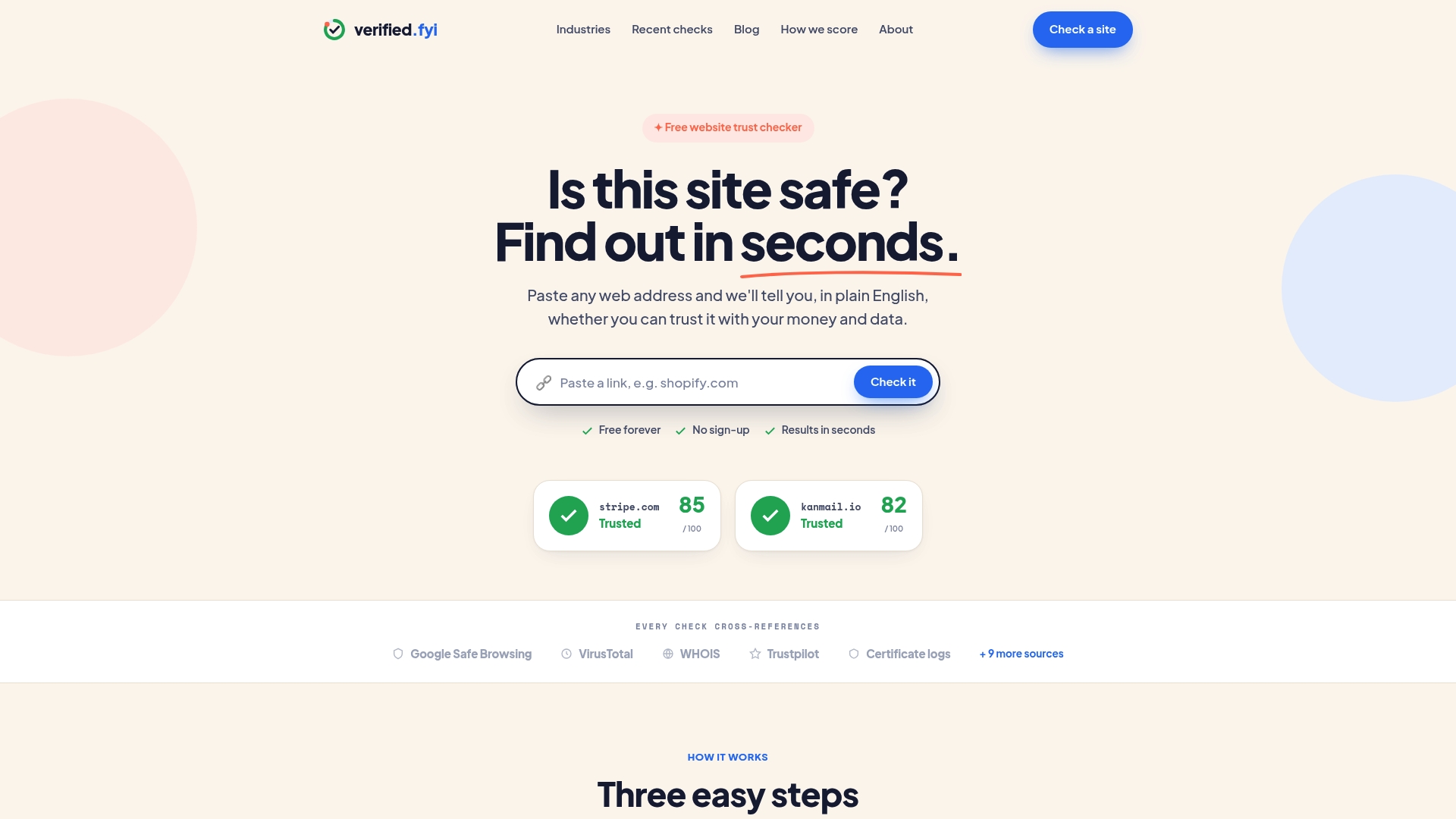
Verified fyi analyzes over 200 security and reputation signals for any website and returns a trust score from 0 to 100 in seconds. You paste a URL, and the platform tells you whether the site is safe before your child interacts with it. Parents can check recently reviewed websites to see what other guardians are flagging, or paste any unfamiliar link directly into Verified fyi for an instant safety verdict. It is a practical addition to any parent's toolkit, sitting alongside SafeSearch and device controls to cover the ground those tools cannot reach.
FAQ
What does SafeSearch actually block?
SafeSearch filters explicit images, videos, and websites from search results on the configured search engine. It does not block content accessed through direct links or other apps.
Can my child turn SafeSearch off?
A child can disable SafeSearch if the setting is not locked. Use Google Family Link or network-level enforcement to prevent this, as the user toggle model is significantly weaker than a managed policy.
Does SafeSearch work on YouTube or social media?
SafeSearch has no effect on YouTube, TikTok, Instagram, or any other platform. Each app has its own content controls, which you need to configure separately.
Is SafeSearch enough to protect my child online?
SafeSearch alone is not enough. The FTC recommends pairing filters with parental controls and direct conversations about online safety to create a more complete protection strategy.
What is the best way to check if SafeSearch is working?
Run test searches on your child's device using terms that might accidentally surface adult content. If the filter is active, those results will be blocked or replaced with a notice. Repeat this check every few months.