TL;DR:
- The Safe Browsing API by Google helps applications check URLs against constantly updated lists of unsafe websites. It offers two methods: a real-time URL search and a privacy-preserving hash-prefix search, suitable for different app types. The API is free for non-commercial use but has usage limits and is restricted to address bar URLs, requiring regular list updates for effective protection.
The Safe Browsing API is defined as a Google service that lets applications check URLs against constantly updated lists of unsafe websites, including phishing pages, malware hosts, and deceptive software sites. If you run a small business website, manage a browser extension, or simply want to understand how web protection works under the hood, this API is the backbone of most URL threat detection you already rely on. Google's Safe Browsing protects over five billion devices daily by showing warnings before users reach dangerous pages. That scale makes it one of the most trusted threat detection systems on the web.
What is safe browsing API and how does it work?
The Safe Browsing API gives developers two distinct methods to check whether a URL is dangerous. Understanding both helps you choose the right approach for your situation.

The first method is the URL-based search, called urls.search. Your application sends full URLs directly to Google's servers, which check them against the live threat database and return a verdict in real time. This method is fast and simple to implement, but it means Google sees every URL you check. For many small business tools, that tradeoff is acceptable.
The second method is the hash-prefix search, called hashes.search. Instead of sending full URLs, your application converts each URL into a cryptographic hash and sends only the first few bytes of that hash. Google returns matching threat data, and your app resolves the match locally. This approach preserves user privacy because Google never sees the actual URL. It also reduces network calls, which lowers latency for users.
Here is a quick breakdown of when each method fits best:
urls.search(URL-based): Best for server-side tools where privacy is less critical and simplicity matters most.hashes.search(hash-prefix): Best for browser extensions, mobile apps, or any client-side tool where user privacy is a priority.- Local list caching: Download threat lists periodically and check URLs locally. This reduces network calls and improves both speed and privacy.
- Redirect checking: Any URL that results in an HTTP 301 redirect must also be checked, not just the original address.
Pro Tip: If you are building a browser extension or any tool that runs on a user's device, start with the hash-prefix method. It is faster, more private, and better suited for high-frequency checks.
One more thing worth knowing: Safe Browsing API v4 is now deprecated. The current version is v5, which delivers significantly better data freshness. Under v4, list updates took 20–50 minutes to propagate. That was a real problem because 60% of phishing attacks live for less than 10 minutes. Stale lists caused roughly 25–30% missed protection. Version 5 addresses this directly with faster update cycles.
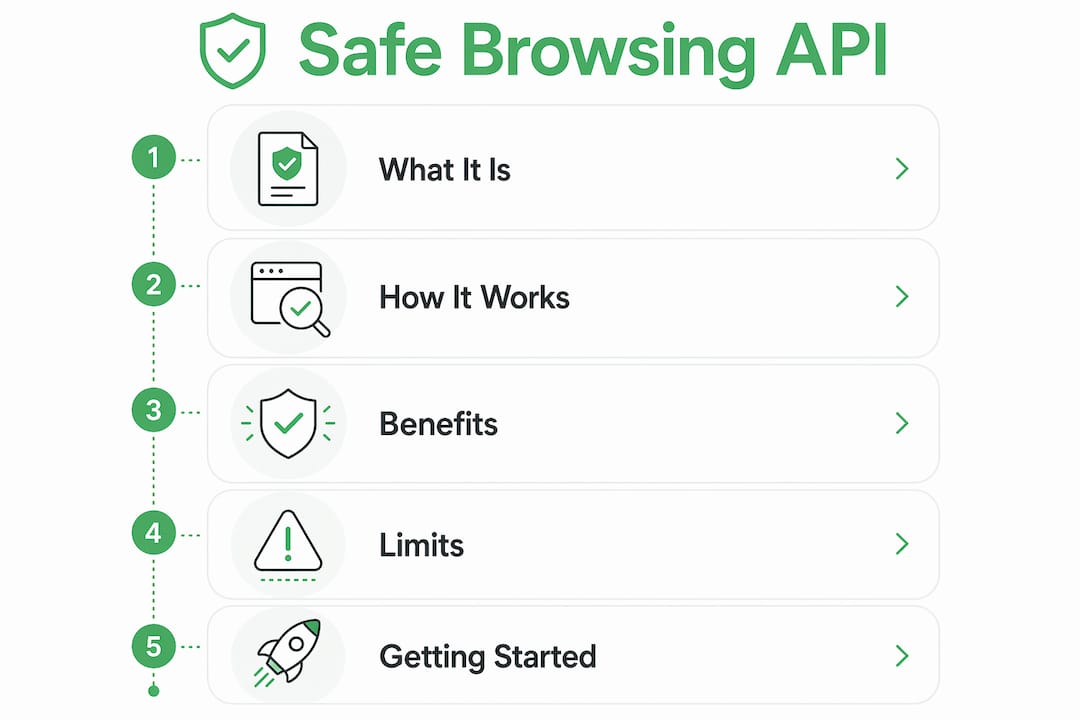
What are the benefits and limits of the Safe Browsing API?
The Safe Browsing API is free for non-commercial use, which makes it accessible to individuals and small business owners who want real threat protection without a budget. That is a meaningful advantage when you are building a small security tool or adding URL checks to an existing project.
The practical benefits include:
- Free access: No cost for non-commercial use, with default quotas available through Google Developer Console.
- Broad threat coverage: Checks for phishing, malware, and unwanted software sites in one API call.
- Privacy option: The hash-prefix method avoids sending full URLs to Google's servers.
- Wide adoption: Because Google's database is updated continuously, the threat lists reflect real-world attacks.
The limits are equally real and worth understanding before you build:
- Usage quotas: Default limits sit at around 10,000 clients per 24 hours and up to 500 URLs per request. You can request higher quotas through Google Developer Console, but the defaults are tight for high-traffic applications.
- Non-commercial only: The Safe Browsing API is strictly for non-commercial use. If your product generates revenue, you need the Web Risk API instead.
- Address bar URLs only: The API checks URLs that appear in the browser address bar. It is not designed for subresource checks like JavaScript files or embedded images.
- Data freshness risk: Even with v5 improvements, local list caches can still lag behind the most recent threats if you do not update them frequently enough.
How to get started with the Safe Browsing API
Getting the API running is straightforward. Follow these steps to go from zero to your first URL check.
- Create a Google Cloud project. Go to the Google Developer Console and create a new project or select an existing one.
- Enable the Safe Browsing API. Search for "Safe Browsing API" in the API library and click Enable.
- Generate an API key. Under Credentials, create an API key. This key authenticates every request your application makes.
- Choose your method. Decide between
urls.searchfor simplicity orhashes.searchfor privacy. Most new projects should start with hash-prefix for better long-term performance. - Set up local list caching. For hash-prefix mode, download the threat lists and store them locally. Update the cache on a regular schedule to keep protection current.
- Test with known unsafe URLs. Google provides test URLs for development so you can confirm your integration works before going live.
Pro Tip: Limit hash-prefix requests to fewer than 1,000 hash prefixes per call. Most well-optimized clients send around 30 prefixes per request, which keeps response times fast and stays well within quota limits.
For reporting suspicious URLs you discover, the Submission API under Google Web Risk lets you submit suspected unsafe URLs for Google's analysis. Each URL requires a separate POST request, and the response moves through states from RUNNING to SUCCEEDED or CLOSED. This is a useful tool if your users report sketchy links and you want to contribute to the broader threat database.
Safe Browsing API vs. Web Risk API: which one fits your needs?
These two services come from Google and solve similar problems, but they target different users.
| Feature | Safe Browsing API | Web Risk API |
|---|---|---|
| Cost | Free | Paid (commercial pricing) |
| Use case | Non-commercial only | Commercial products and services |
| Threat coverage | Phishing, malware, unwanted software | Same, plus additional enterprise signals |
| Privacy method | Hash-prefix or URL-based | Hash-prefix supported |
| URL submission | Via Submission API (Web Risk) | Native submission support |
| Quota flexibility | Limited defaults, increase via console | Higher default limits for production use |
The core rule is simple: if your application generates revenue or is part of a commercial product, use Web Risk API. If you are building a personal project, a nonprofit tool, or a free browser extension, Safe Browsing API is the right fit. Mixing them up is a terms-of-service violation, not just a technical mismatch.
Key Takeaways
The Safe Browsing API is Google's free, non-commercial URL threat detection service, and choosing between its URL-based and hash-prefix methods determines both your privacy posture and your application's performance.
| Point | Details |
|---|---|
| Two check methods | Use urls.search for simplicity or hashes.search for privacy-preserving, low-latency checks. |
| Non-commercial use only | Commercial products must use Web Risk API; using Safe Browsing API for revenue-generating tools violates Google's terms. |
| Version matters | Migrate from v4 to v5 to avoid stale threat lists that caused up to 30% missed phishing protection. |
| Default quotas are tight | The default limit is around 10,000 clients per 24 hours; plan for quota increases early if traffic is high. |
| Address bar URLs only | The API checks navigated URLs, not subresources like scripts or images embedded in pages. |
My honest take on Safe Browsing API for small business owners
After working with web security tools for years, the biggest mistake I see small business owners make is treating the Safe Browsing API as a set-it-and-forget-it solution. They integrate it once, never update their local threat lists, and wonder why their tool misses obvious phishing pages. The v4 to v5 migration exists precisely because stale data is a real, measurable problem. If you are not refreshing your local cache frequently, you are not getting the protection you think you are.
The second mistake is skipping the hash-prefix method because it looks more complex. Yes, it takes a few extra steps to implement. But if your tool runs on a user's device, sending full URLs to Google for every check is a privacy red flag you should not hand to your users. The hash-prefix approach is not just a nice-to-have. For client-side tools, it is the responsible default.
My practical recommendation: start with hash-prefix, set up automated cache updates, and use the safe browsing habits checklist to audit your implementation regularly. Also, submit suspicious URLs through the Submission API when your users report them. You get better data, and so does everyone else using Google's threat lists.
— Nick
Verified fyi makes website safety checks instant
Understanding how the Safe Browsing API works gives you a solid foundation. Putting that knowledge into practice every time you encounter an unfamiliar website is a different challenge entirely.
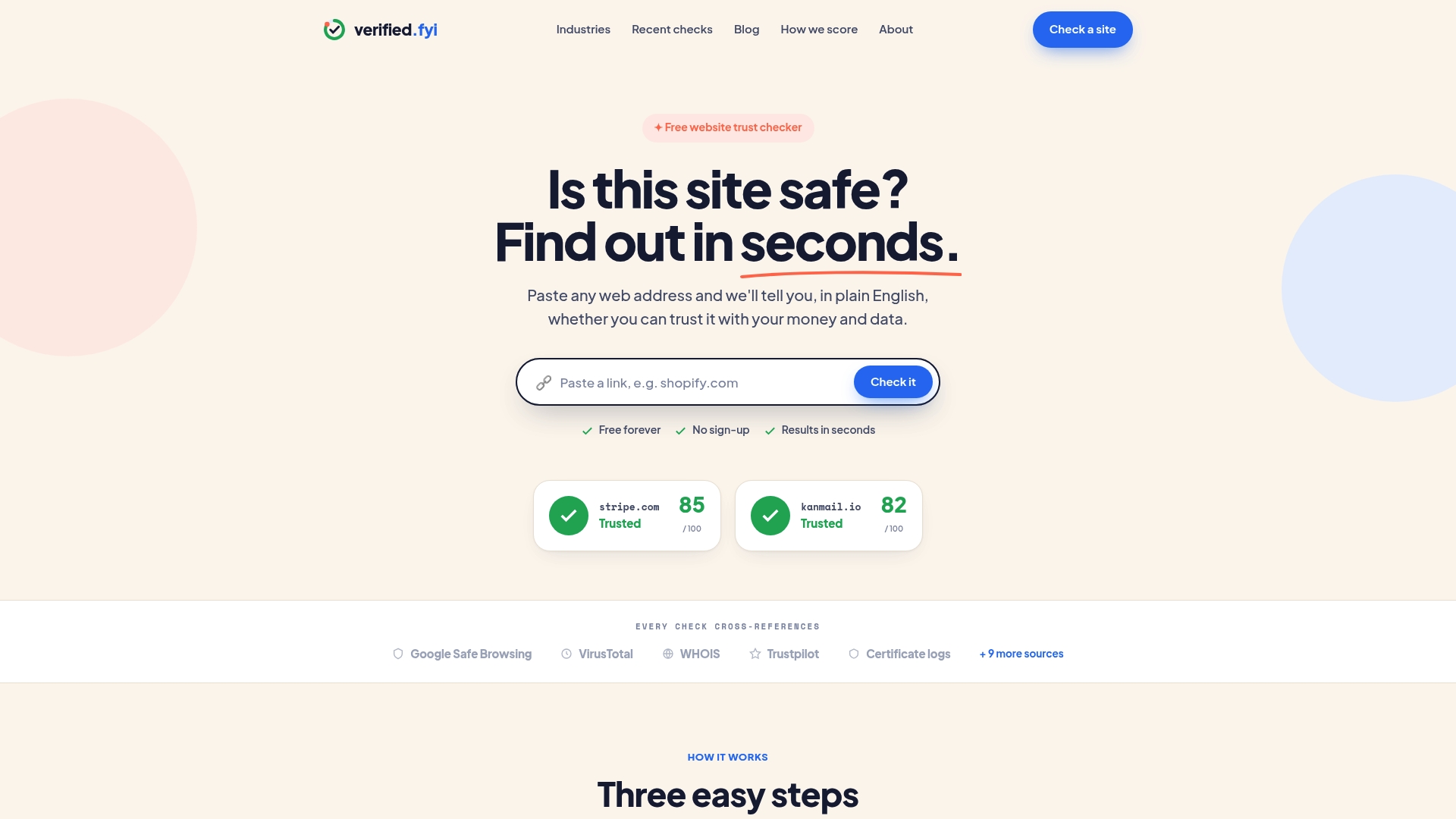
Verified fyi analyzes over 200 security and reputation signals for any website and returns a trust score from 0 to 100 in seconds. You do not need to write a single line of code. Paste a URL, get a clear verdict. The platform uses AI to weigh signals that a manual check or a basic API call would miss, including domain age, SSL configuration, blacklist status, and behavioral patterns. Check the recently verified websites to see real examples of sites that passed or failed safety checks, and use Verified fyi as your first line of defense before clicking any link you are unsure about.
FAQ
What is Google Safe Browsing?
Google Safe Browsing is a security service that maintains updated lists of unsafe websites, including phishing and malware sites, and warns users on over five billion devices daily before they visit dangerous pages.
Is the Safe Browsing API free to use?
The Safe Browsing API is free for non-commercial use, with default quotas of around 10,000 clients per 24 hours. Commercial applications must use the paid Web Risk API instead.
What is the difference between Safe Browsing API and Web Risk API?
Safe Browsing API is for non-commercial, free use only. Web Risk API is Google's commercial equivalent with higher quotas and support for revenue-generating products.
How does the hash-prefix method protect privacy?
Instead of sending full URLs to Google, the hash-prefix method sends only a few bytes of a cryptographic hash. Google returns potential matches, and your app resolves the result locally, so Google never sees the actual URL being checked.
What URLs should I check with the Safe Browsing API?
Check only the URLs that appear in the browser address bar, including any redirect destinations. The API is not designed for subresource URLs like JavaScript files or embedded images within a page.